Family ID Lost? How to Download a Duplicate Copy From Home
Losing the printed Family ID feels serious, but the record itself has not gone anywhere. Your family’s PPP still exists under the same 8-digit Family ID on the Mera Parivar portal, and the official information describes no separate duplicate-copy application for a lost paper card. What families call a duplicate is simply the same Family ID reached again through the portal and printed again from Print PPP. If you still know your number and the Head of Family mobile is with you, you can get a fresh copy from home in one sitting — no re-enrolment, no new number, and no change to the details inside the record.
That is the whole difference between a first download and this one: the first time you were learning the route, this time you are only retracing it because the paper, not the record, is missing.
Losing the Paper Does Not Cancel the Record
A Family ID is a single record for one household in the Family Identification Data Repository. The printed sheet is a copy of what that record shows at the end of the portal flow; it is not the record itself.
Because of that, three things stay true even after the print is lost. Your Family ID number does not change. The member list and the verified state of your fields do not change. And you do not need to enrol again or ask for a second ID — a second enrolment would create confusion, not a replacement. The task is narrower and easier: open the same record again in the official way and print what Print PPP displays.
Keep this separate from a genuinely different problem. If a detail inside the record is wrong, that needs the correction route. If only the paper is gone and the details were correct when you last saw them, no correction is involved at all.
What a Duplicate Copy Actually Means on PPP
The word duplicate can mislead families into searching for a duplicate form, a duplicate fee or a duplicate approval. None of those is described in the official PPP information checked for this guide.
In official terms, there is one flow: authenticate on the portal, open the family record, and use Print PPP to see the final Family ID. Repeating that flow after a loss produces the replacement copy. The copy is not marked differently, it does not carry a new date of issue as a separate document, and it does not replace the number you already had — it shows the same final ID again, which is exactly what offices ask to see.
If a website or agent offers a special duplicate-copy service for a fee, that offer does not come from this flow. Enrolment and assisted PPP help through the official channels are described without such a duplicate fee, and the home route costs nothing beyond your own printing.
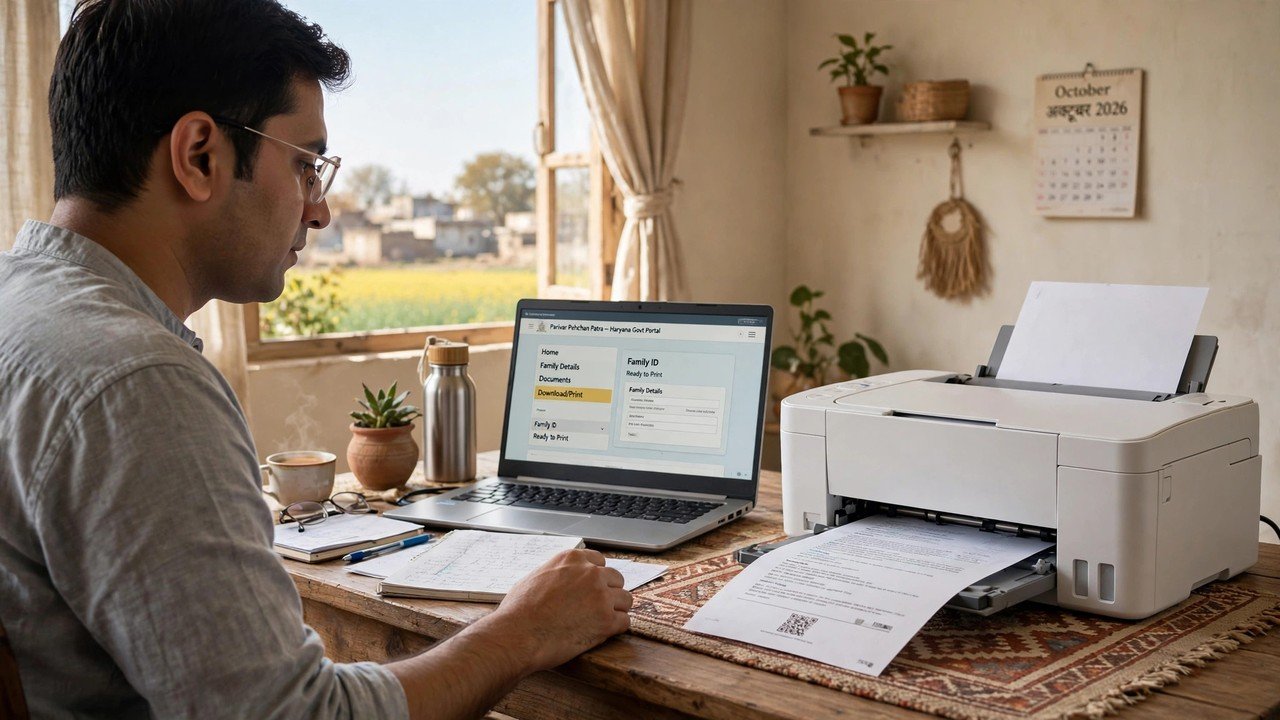
Getting a Fresh Print From Home
Work through this once, slowly, and stop as soon as the fresh copy is in your hand.
Step 1 — Open only the official portal. Go to meraparivar.haryana.gov.in, then Citizen Corner and Update Family Details. Do not use a site that promises a duplicate download without the portal login; the final ID is shown only after authentication on the official route.
Step 2 — Find the same record. Enter the 8-digit Family ID if you know it. If the number was written only on the lost sheet, use the No option and search by Aadhaar instead — that search finds the existing record rather than creating a new one.
Step 3 — Authenticate with the Head of Family OTP. The OTP is sent to the mobile number of the Head of Family stored in PPP. Enter that code in the same session to open the record. Without that handset the home route cannot open, and the assisted route in the last section is the way forward.
Step 4 — Glance at the member list before printing. When the list opens, confirm the names match your household as you last knew them. This is a quick sanity check, not an edit session; if everything matches, move straight to printing instead of opening fields you do not need to change.
Step 5 — Use Print PPP and keep two forms of the copy. Open Print PPP to see the final Family ID, print a clean paper copy, and also save the same view as a PDF on your phone or computer before you close the session. The saved PDF is what makes the next loss a two-minute job instead of a repeat of this one.
If you want the full first-time download walkthrough, the Aadhaar download guide on this site covers it, and the mobile PDF guide covers saving on a phone in detail; this article stays on the lost-copy case, where the only new point is that you are re-printing, not applying again.
If the Number Went With the Card
Some families lose both the paper and any note of the number. That still does not need a new enrolment.
The Aadhaar search in Step 2 is the official way back to the existing record in that situation: search by Aadhaar, authenticate with the Head of Family OTP, and note the 8-digit number from the record that opens before you print. Write that number down separately from the card this time — in a phone note the Head of Family keeps, and on the inside of a household document folder — so the number survives even if a single sheet does not.
Recovering a forgotten number on its own, without printing, is covered in a separate guide on this site; here the number matters only because you need it to reach the re-print.
Keeping This Copy From Going Missing Again
A re-print solves today; a small habit solves the repeat.
Keep the paper copy in one fixed place with other household documents rather than carrying it daily, carry a photo or the saved PDF on the Head of Family phone for routine showing, and keep one extra paper print in a second location at home if the ID is used often for pension, ration or scheme work. Do not share the saved PDF through public links or hand it to unofficial agents — it shows your family’s record, and the OTP rule that protects the portal download is undone if the finished copy is circulated carelessly.
If the Head of Family mobile on record is no longer available, so the OTP cannot reach you at home, take the Head of Family with Aadhaar to a CSC, SARAL Kendra, PPP Operator or Atal Seva Kendra counter and ask for assisted help to open the record and print it there.
Source: Mera Parivar / PPP portal, Government of Haryana; Citizen Resource Information Department, Government of Haryana — About Parivar Pehchan Patra; and National Informatics Centre, Haryana (Government of India) official page on Parivar Pehchan Patra (October 2024).
Conclusion
A lost Family ID card is a lost print, not a lost identity on PPP. The official information gives no separate duplicate application, fee or new number for this situation — the replacement is the same record, opened again with Head of Family OTP authentication on the Mera Parivar portal and printed again from Print PPP. Know the number or find the record by Aadhaar, check the member list briefly, print once, and this time save the PDF as well as the paper. Done that way, a duplicate copy is not a new process at all; it is the original Family ID, safely back in your hands.
FAQs
1. Do I have to apply separately for a duplicate Family ID if the original is lost?
No separate duplicate application is described in the official PPP information. You open the same family record on the Mera Parivar portal through Update Family Details, authenticate with the Head of Family OTP, and print the final ID again from Print PPP.
2. Will I get a new Family ID number on the re-printed copy?
No. One household holds one Family ID, and the re-print shows that same number — an 8-digit ID for a permanent family. A fresh print replaces the paper, not the number or the record behind it.
3. The lost sheet was the only place our number was written. How do we reach the record?
Use the No option in Update Family Details and search by Aadhaar, then authenticate with the OTP sent to the Head of Family mobile stored in PPP. The record that opens shows your existing 8-digit number; note it down separately before you print.
4. Can I get the re-print at a centre instead of at home?
Yes. Assisted help is available through a CSC, SARAL Kendra or PPP Operator, and citizens can also update or verify information at an Atal Seva Kendra or SARAL Kendra. Take the Head of Family with Aadhaar, especially if the registered mobile is not available for the home OTP route.
5. Someone offered to make a duplicate Family ID card for a fee without any OTP. Should I accept?
No. The official home route opens the record only after Head of Family OTP authentication, and official assisted help runs through the named counters. A no-OTP duplicate offer follows neither route, and handing over your Aadhaar or Family ID details for it puts your family record at risk.
