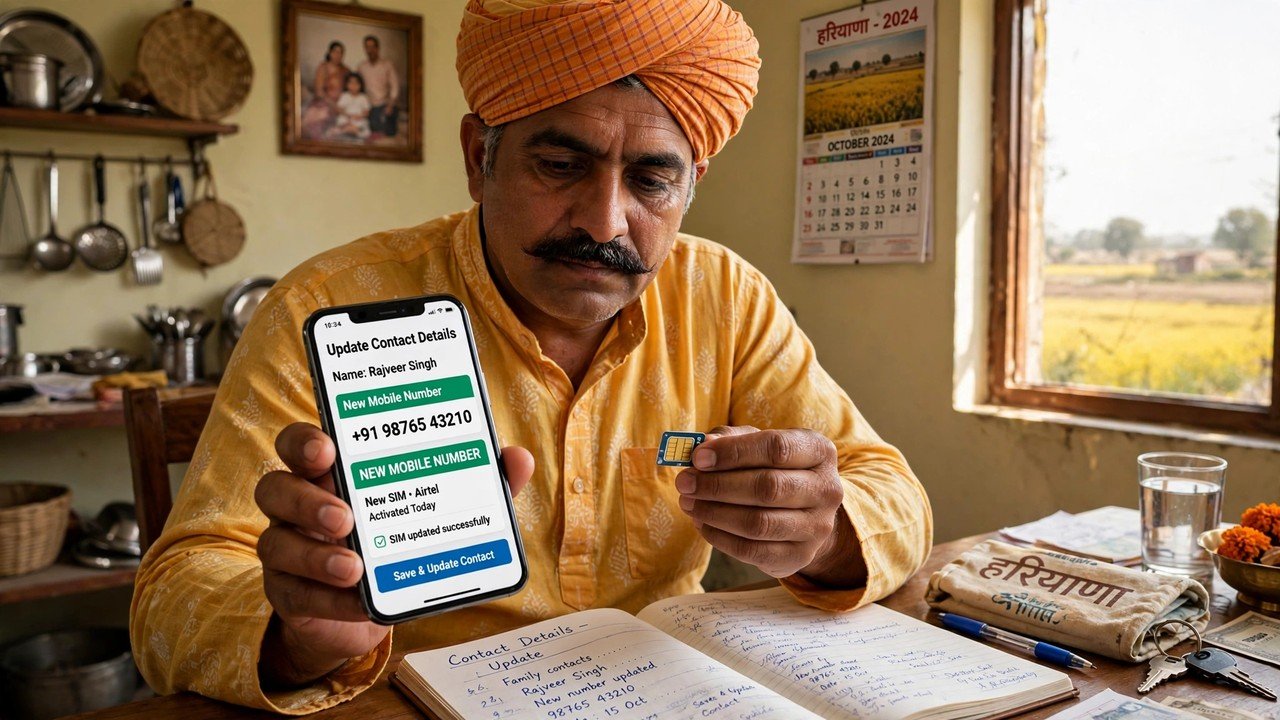
Mobile Number Changed? How to Update Your New Number in Family ID
The morning the Head of Family’s mobile number changes, something quiet but serious happens to the family’s PPP record: the key to it stops fitting. Every self-service journey into Update Family Details on the official Mera Parivar portal is guarded by a one-time password, and that password is dispatched to the Head of Family mobile number already stored in PPP — never to a new number you might type in somewhere. So the family’s access hangs on a single question: does the old number still work? When it does, you can prove yourself with its password and record the new number personally. When it does not, the assisted route at a CSC, a SARAL Kendra or an Atal Seva Kendra is the official process for getting the new number in.
Treat this as urgent housekeeping, not a detail for later. A fresh SIM in the phone changes nothing inside PPP by itself, and no notification of the swap travels to the portal on its own. Until the record holds a number your family genuinely uses, you cannot verify your way into your own family record from home — usually discovered, unpleasantly, at the exact moment the record is needed for something else.
Before You Change Anything
Four preparations decide how smooth this goes.
Know which number PPP actually holds. The number that matters is the Head of Family number stored in the family record — the one the portal authenticates against. A member changing a personal contact number somewhere else does not touch this key, and this article concerns itself with the stored Head of Family number only.
Test the old number. Put the old SIM in a handset, or ask whoever now holds it, and establish whether it still receives calls and messages. This one fact selects your route: still receiving means the walkthrough below is open to you; silent, surrendered or lost means you go directly to the counter script further down — which is not a lesser path, merely the path the system builds for this situation.
Have the new number live and in your hand. The replacement number should be active, and the handset carrying it should be with you, because the end of the job is proving that a fresh password can reach it.
Keep two things beside you. The family’s 8-digit Family ID and the Head of Family Aadhaar serve both routes — the online one and the counter one alike.
The Walkthrough: While the Old Number Still Answers
Begin where the record lives
Open meraparivar.haryana.gov.in, pass through Citizen Corner and select Update Family Details. The portal asks whether you know the family ID: answer Yes and enter the 8-digit Family ID, or answer No and let it find the family from the Head of Family Aadhaar.
Prove yourself on the old number
The password the portal sends goes to the number on record — in your situation, the old one. Receive it there, enter it, and the family record opens in front of you. Everything in this walkthrough depends on that arrival, which is why the whole task is easiest while the old SIM still breathes.
Set the new number in its place
Replace the stored Head of Family mobile number with the new one — and change nothing else in this visit. Then read the new number back, digit by digit, before you save. A single transposed digit quietly hands every future password to a stranger’s handset, and the mistake stays invisible until your next attempt to sign in fails.
Sign the change into effect
Print the form, have it signed, and upload the signed copy; the update is not finished until that is done. The reasoning behind the signed upload — why it is the act that completes a PPP update — is laid out in the print, sign and upload step explained.
Test the new key straight away
Sign out. Open Update Family Details again and let the portal send a fresh password. If the change has taken, that password now lands on the new number. Its arrival is the true confirmation — worth far more than the form you filled in, which only shows what you intended.
Should the number refuse to be edited in self-service, an official possibility explains it: CRID describes a field once verified as uneditable in the self-update flow. Stop re-trying that screen; the mobile number belongs in the official Correction or Grievance channel, or in front of an assisted counter below. The architecture of that channel is shown in how to apply for income correction online.
Two neighbouring troubles are deliberately not this article’s subject — holding the right number while the password simply will not arrive, and downloading the card when the registered number is out of reach. They are dealt with separately: what to do when the PPP login OTP is not coming and how to download Family ID without the registered mobile number.
The Old Number Is Gone: What to Say at the Counter
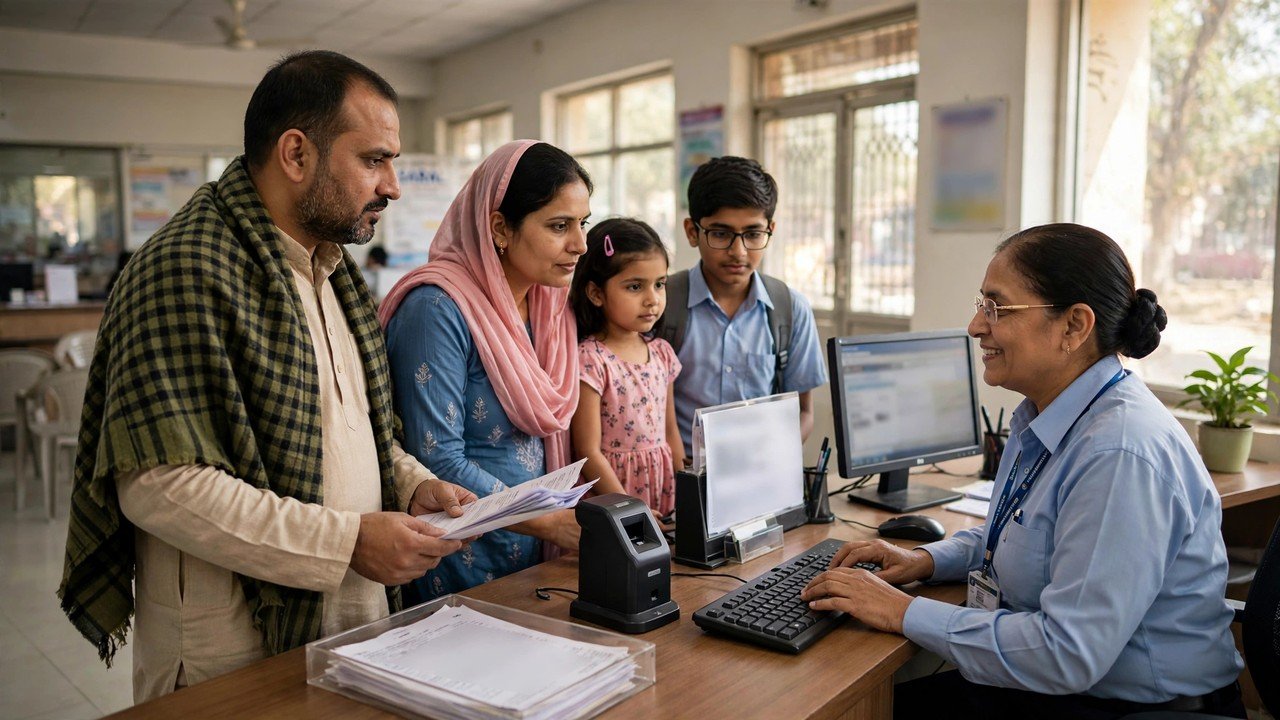
Assisted mode is woven into PPP’s design, not bolted on as an exception. Operators at a CSC or a SARAL Kendra, and PPP Operators, are authorised to work on a record on the family’s behalf, and NIC Haryana’s PPP page confirms that citizens may update or verify family information at their nearest Atal Seva Kendra or SARAL Kendra. For a lost number, this counter is not a detour around the process — it is the process.
Walk in carrying the family’s 8-digit Family ID, the Head of Family Aadhaar, and the new mobile number on a handset you are holding, so the operator can see the number is active and yours. Then say, in so many words: “The Head of Family mobile number in our Family ID needs to be replaced with this new number — the old one is no longer with us.” Before you walk out, have the amended number shown to you on the record, read it back digit by digit yourself, and keep the printed or signed copy of the update filed with the family’s papers.
And be clear-eyed about one promise nobody official makes. In none of the material checked for this article does the portal send its login password to a new number so that the number can be changed single-handedly. A website, a video or an agent offering that shortcut — or asking you to pass a password to a caller — is operating outside the official process. The counter route requires no password from the lost number at all, which is precisely why it exists, and enrolment through the official channels carries no fee.
Source: Haryana Parivar Pehchan Authority / Mera Parivar portal, Government of Haryana (Update Family Details flow); Citizen Resource Information Department, Government of Haryana — About Parivar Pehchan Patra and PPP Services Grievance Redressal Help Guide v3.0; and National Informatics Centre, Haryana (Government of India) official page on Parivar Pehchan Patra (October 2024).
Conclusion
Whether a changed mobile number locks a family out of its own Family ID, or barely interrupts it, comes down to one fact: is the number stored in PPP still in the family’s hands? If it is, sign in on its password through Update Family Details, substitute the new number and nothing else, complete the signed upload, and demonstrate the change by receiving the very next password on the new handset. If the old number has gone, stop hunting for a shortcut that promises a password sent to the new number — carry the family ID and the Head of Family Aadhaar to a CSC, SARAL Kendra, Atal Seva Kendra or PPP Operator and have the number recorded there. By either road, the work is finished only at the moment the portal’s code reaches a phone the family actually holds.
FAQs
1. Can the portal send its password to my new number, so I can make the change myself?
Not under any official process examined for this article. The self-service password is addressed to the Head of Family mobile number already stored in PPP. While that old number still receives it, sign in with it and then make the change; when it cannot be received, the assisted counter — not an OTP-to-the-new-number shortcut — is the route.
2. My old SIM still works, but I move to a new number next week. When should PPP be told?
While the old number is still alive — in the same sitting as the switch, ideally, and certainly before the old SIM is closed. So long as the old number can receive the password, the change is one brief online visit; the day it dies, the identical job turns into a journey to a counter.
3. I entered the new number with one digit wrong. How bad is that?
Worse than it looks, so put it right promptly: the portal will direct future passwords to the number as typed, which means the family’s own access is lost all over again. Take the family ID and the Head of Family Aadhaar to a CSC, SARAL Kendra or PPP Operator, have the number corrected to the exact one you hold, and read it back on the screen before leaving.
4. Can a family member’s own number be updated in the same visit as the Head of Family number?
Keep the visit for the Head of Family number, because that is the number the portal authenticates with. A member’s personal details form a separate correction, with checking of their own; bundling the two is how the crucial key number ends up saved next to an unverified change elsewhere in the record.
5. The Head of Family has passed away, and the number is lost as well. Which way do we turn?
Towards the counter. Every self-service step leans on the late head’s password, so a CSC, SARAL Kendra or PPP Operator — or an Atal Seva Kendra — should settle the headship question and record a working family number in the same transaction, instead of the family attempting to circumvent a lost password at home.
