PPP Login OTP Not Coming on Mobile? Try These Steps First
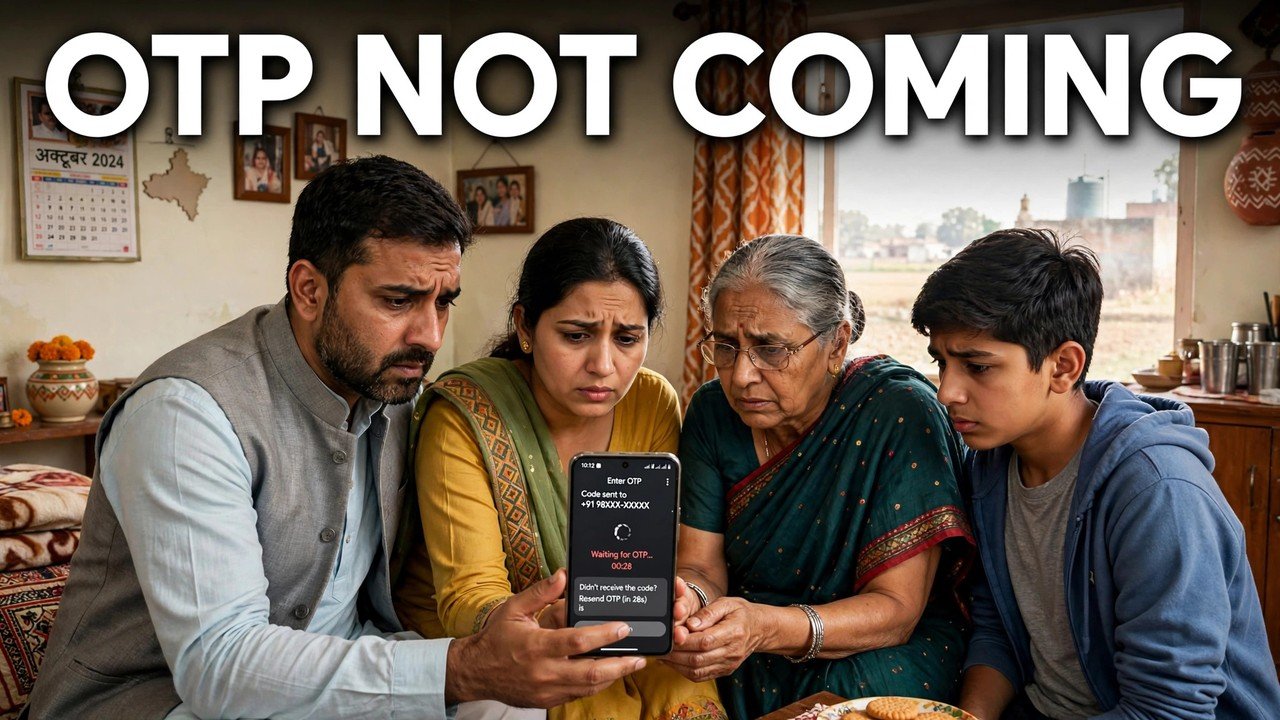
You tapped Send OTP on the PPP portal, stared at your own phone, and nothing arrived — yet in most cases the portal has not failed you at all. On the Mera Parivar portal, the OTP for Update Family Details is sent to the mobile number of the Head of Family stored in PPP, not to the phone in your hand unless you are the Head of Family and that is the number on the record. So the first step is not to keep tapping resend: find that specific HoF handset, check its messages, and only then decide whether you have a waiting problem or a wrong-number problem.
That single fact explains most “OTP not coming” complaints, and it also sets the limit of what self-service can fix. If the stored number is no longer in use, no amount of refreshing the portal page will redirect the code to a new number.
The Address the OTP Actually Uses
Think of the OTP as a letter addressed before you ever opened the portal.
When you enter the Family ID in the self-update flow, the system does not ask you which number should receive the code today. It uses the number already held for the Head of Family in the PPP record. Your personal number, a son’s or daughter’s number, or a number linked only to Aadhaar for another service is not a substitute in this flow, however active those phones are.
This is deliberate authentication, not a fault. The code proves that the person opening the family record has access to the Head of Family’s recorded contact, which is why the portal will not let a visitor simply type in a different mobile and receive the OTP there instead.
Before you retry anything, answer one question honestly: whose phone should be receiving this code according to the record, and is that phone switched on, in the house, and with its owner reachable right now? Half of the problem is often solved by walking to that handset rather than by changing anything on screen.
A Calm Retry, in the Right Order
Step 1 — Stay on the official portal only. Use meraparivar.haryana.gov.in, Citizen Corner, then Update Family Details. An OTP problem is never a reason to try a lookalike site that promises a faster code — a genuine PPP OTP comes only through this official flow.
Step 2 — Re-enter the search detail carefully. Type the 8-digit Family ID again if you know it, or use the No option and search by Aadhaar. A mistyped ID can search the wrong record or no record at all, and no OTP for your family will follow from that.
Step 3 — Ask the Head of Family to watch their own inbox. With the correct record found, trigger Send OTP once and have the HoF check the messages on the stored number itself. Give the message a short while to arrive before triggering another code, so you are not looking at an older code while a newer one is on its way.
Step 4 — Enter the latest code promptly on the same session. Key in the OTP received on that HoF mobile to authenticate, as the official self-update description sets out. If you requested a code more than once, use the most recent one that belongs to this attempt.
Step 5 — Read what happened before retrying again. If the record opens, the OTP problem is over — do the work you came for in this session rather than logging in repeatedly. If it does not open, stop and sort the attempts into the two cases in the next section instead of requesting codes endlessly.
Two Different Problems That Look the Same
Standing at the login screen, a delayed code and a code sent to a dead number look identical: an empty inbox. Separating them early saves a wasted evening.
Case A — the stored HoF number is still in use, but the message is slow to appear. The handset is active, the HoF is available, and the number matches what the family gave for PPP. In this case the sensible response is patience within the same official attempt: keep the HoF phone nearby, check its messages again, and complete the authentication when the code arrives. Do not involve a third party, and never pay anyone who claims they can make a PPP OTP arrive faster.
Case B — the stored HoF number is no longer the family’s number. The SIM was lost, the number was closed, the HoF changed phones and numbers, or the number entered at enrolment was someone else’s. In this case the code is faithfully going to the old address and will keep doing so. Self-service has reached a wall it is designed to have. Continuing to press Send OTP does not update the record; it only sends more codes where you cannot read them.
The distinction matters for safety as well. An OTP that could be redirected to any new number typed on a website would not protect the family record at all — the inconvenience in Case B is the security working as intended, even when it is frustrating.
When the Stored Number Itself Is the Problem
If you are in Case B, the next job is not a login trick. It is getting the family’s recorded contact dealt with through an official channel.
Citizens can update or verify family information at an Atal Seva Kendra or SARAL Kendra, and assisted PPP help is available through a CSC, SARAL Kendra or PPP Operator. Take the Head of Family, with their Aadhaar and whatever active mobile they now use, and explain the exact position at the counter: the OTP for this Family ID goes to a number the family no longer has, so the self-service record cannot be opened from home. Ask the operator to open the record through the assisted route and guide you on correcting the contact held for the family.
Do not hand the situation to an unofficial agent instead. Anyone who offers to fetch your PPP OTP on a different number, or to open the record without the HoF authentication, is offering something the official process does not describe — and your family record and OTP should not be handed to them.
Changing the mobile number recorded in Family ID is a subject of its own and is covered separately on this site; this guide ends once you know whether you are waiting for a code on the right phone or need counter help because the right phone no longer exists.
Source: Mera Parivar / PPP portal, Government of Haryana; Citizen Resource Information Department, Government of Haryana — About Parivar Pehchan Patra; and National Informatics Centre, Haryana (Government of India) official page on Parivar Pehchan Patra (October 2024).
Also read: download Family ID without the registered mobile number | Family ID self update: correct your income yourself
Conclusion
An OTP that does not arrive on your phone is usually an OTP that was never addressed to your phone. On PPP, the code goes to the Head of Family mobile stored in the record, and the whole check flows from that: confirm whose number that is, watch that handset, retry once carefully from the official portal, and use the latest code in the same session. If that stored number is lost or changed, recognise the wall for what it is — authentication doing its job — and take the Head of Family to an Atal Seva Kendra, SARAL Kendra, CSC or PPP Operator counter rather than searching for a bypass.
FAQs
1. I am a family member, not the Head of Family. Why is the OTP not coming to my mobile? Because this OTP is not sent to whoever is sitting at the computer. In the self-update flow it is sent to the mobile number of the Head of Family stored in PPP. Ask the Head of Family to check their own phone and share the code for this login, or sit with them while you complete it.
2. We requested the OTP twice and then a code arrived. Which one should we type? Use the code from the most recent request in the session you are completing. An earlier code may belong to the earlier attempt. If neither code opens the record, start one fresh attempt on the official portal and watch the HoF handset from the moment you tap Send OTP.
3. The Head of Family is out of station. Can the portal send the OTP to me instead for today? No such temporary redirection is described in the official self-update process. The code goes to the stored HoF number. You can either coordinate with the Head of Family so they read the code from their phone, wait until they return, or use the assisted counter route if the matter cannot wait.
4. Our HoF changed their mobile number last month. Is that why no OTP is coming to the new number? Very likely, yes — if the new number has not been updated in the PPP record, the portal will still send the code to the old stored number. That is a record-contact problem, not a login delay, and it should be dealt with through the Atal Seva Kendra, SARAL Kendra, CSC or PPP Operator assisted route.
5. A shopkeeper said he can get our Family ID opened without the OTP for a fee. Should we use him? No. OTP authentication to the Head of Family mobile is the official gate for the self-update record, and enrolment and official PPP help carry no such bypass fee in the official information. Use only the official portal from home or the named official counters for assisted help.
