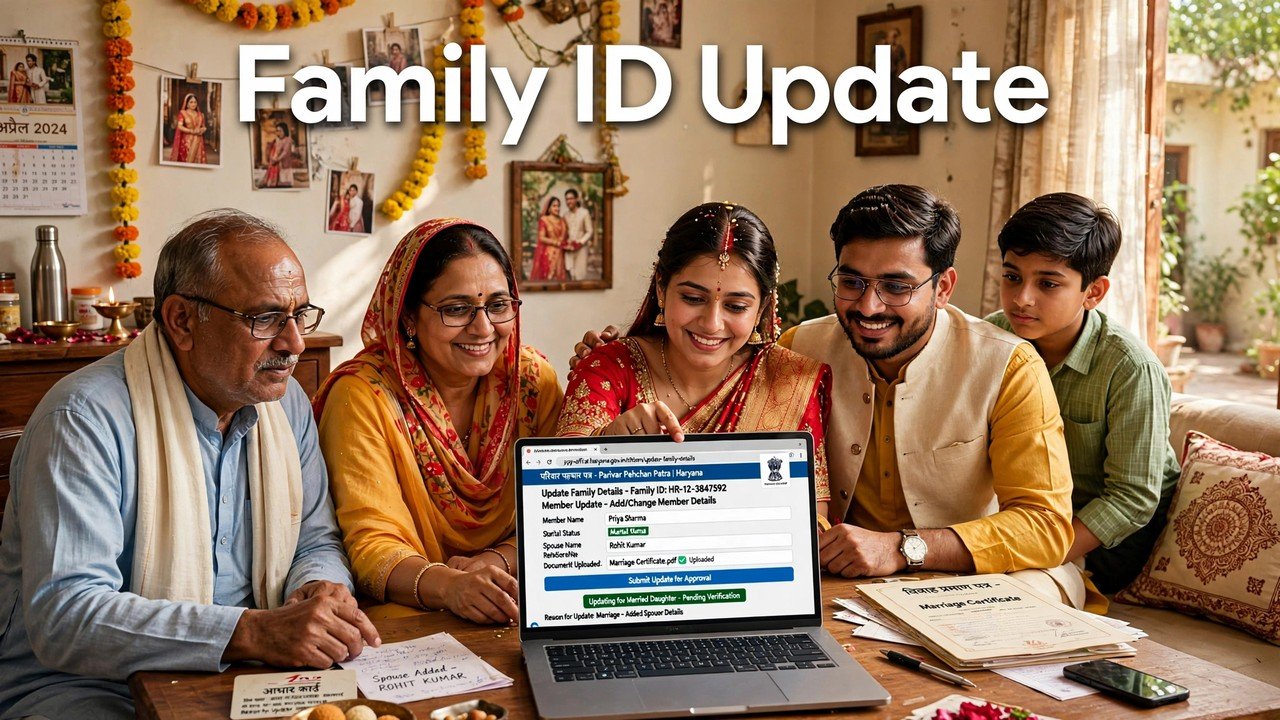
How to Remove a Daughter’s Name From Family ID After Marriage and Add It to the In-Laws’ ID
After a daughter’s marriage, her name does not move from her parents’ Family ID to her in-laws’ Family ID in one step. On the official Mera Parivar portal there are two separate updates: first, the parents’ family removes her from its record through Update Family Details, signed in with the parents’ 8-digit Family ID and the OTP sent to that family’s Head of Family mobile; second, the in-laws’ family adds her to its own record with the Add Member option, signed in with the in-laws’ Family ID and that family’s Head of Family OTP. Each update is finished in the same way — print the form, get it signed, and upload the signed copy. Do the removal and the addition as a pair, in that order, so she is not left recorded in the wrong household or in both.
Families often search for a single transfer button after a wedding and find none, because PPP holds one record per household. A marriage changes two households at once, so PPP asks each household to confirm its own change.
Why Marriage Touches Two Records, Not One
The official description of PPP says the Family ID is linked to birth, death and marriage records so that family data can be updated as these events happen. A marriage is listed there as a life event for a reason: the daughter stops being a member of one household for PPP purposes and becomes a member of another.
That is also why neither family can do the other family’s half. The parents’ Head of Family can authenticate only the parents’ record, because the OTP goes to the mobile number of that family’s head stored in PPP. The in-laws’ head authenticates the in-laws’ record in the same way. If only one half is done, the record is half right: remove her at home but never add her at the in-laws’ home, and she belongs to no household on paper; add her at the in-laws’ home without the removal, and she appears in two families at once, which is exactly the kind of duplication verification is meant to catch.
Before starting either half, open both member lists and note exactly how her name and date of birth are written in the parents’ record today — the member-list check itself is covered on this site.
Keep These Ready for This Move Only
This is a short, move-specific list, not the full PPP document set.
For the removal half, the parents’ family needs its 8-digit Family ID, the Head of Family Aadhaar and the mobile that receives the OTP, and the daughter’s details exactly as they appear in the member list.
For the addition half, the in-laws’ family needs its own 8-digit Family ID, its own Head of Family Aadhaar and OTP mobile, and the daughter’s Aadhaar — Aadhaar is the mandatory member document in the official PPP documents list. Keep the marriage certificate or marriage registration record with you as well: the official grievance guidance asks for supporting documents service-wise, and at a counter or on the form you should provide the marriage document that is asked for rather than arguing that none is needed. If the marriage has been registered, that registration record is the cleanest supporting paper for both halves.
Do both halves close together, ideally in the same week, while the marriage papers are in hand.
First Half: Removing Her From the Parents’ Family ID
Step 1 — Open Update Family Details. Go to meraparivar.haryana.gov.in, open Citizen Corner and choose Update Family Details.
Step 2 — Find the parents’ family. Choose Yes and enter the parents’ 8-digit Family ID. If the number is not at hand, choose No and use the Aadhaar search — the Forgot Family ID route — with the parents’ Head of Family Aadhaar.
Step 3 — Verify that family’s OTP. The OTP is sent to the mobile number of the Head of Family of the parents’ family stored in PPP. Enter it; the data of all members of that family will appear.
Step 4 — Select the daughter’s member entry. Use the Member Details entry against her name and apply the member-removal route shown for that member, giving marriage as the reason where the form asks for it. If the self-service screen does not offer a clear removal route for your case, use the PPP Grievance route instead — Delete Member is a recognised PPP service type in the official CRID grievance guide — or take the same request to an assisted counter rather than editing another member’s details to force the change.
Step 5 — Print, sign and upload. Print the resulting form, get it signed by a member of the family, and upload a clear scan or photo of the signed copy. That signed upload is what completes this half of the move.
Step 6 — Re-open the parents’ list. Confirm her name no longer appears in the parents’ member list. Only then treat the first half as done.
Second Half: Adding Her to the In-Laws’ Family ID
Step 1 — Start again, as the other family. On the same official portal, open Citizen Corner > Update Family Details once more — this time for the in-laws’ family, not the parents’.
Step 2 — Find the in-laws’ family. Choose Yes and enter the in-laws’ 8-digit Family ID, or choose No and search by that family’s Head of Family Aadhaar.
Step 3 — Verify the in-laws’ OTP. This OTP goes to the in-laws’ Head of Family mobile stored in PPP. The parents’ OTP and the parents’ session cannot add her here.
Step 4 — Use Add Member. Choose the Add Member option and fill her member details form: name and date of birth exactly as on her Aadhaar, and her relation to the in-laws’ Head of Family as the form asks. The newborn-addition guide on this site shows how the Add Member form itself behaves — but the person, the family and the reason here are different, so re-enter the details for this family rather than copying anything from the parents’ record.
Step 5 — Print, sign and upload for this family too. Print this family’s form, get it signed, and upload the signed copy. Why this step closes an update is explained in the print, sign and upload guide.
Step 6 — Re-open the in-laws’ list. Confirm she now appears in the in-laws’ member list with the correct spelling and date of birth. That appearance, in this list and no longer in the other, is the proof the move is complete.
If One Family Cannot Use the Portal at Home
Assisted mode is an official part of PPP, and a two-family move is a common reason to use it. A CSC, SARAL Kendra or PPP Operator can work on a family’s record on its behalf, and family information can also be updated or verified at an Atal Seva Kendra or SARAL Kendra.
Each family should still do its own half: the parents’ family attends for the removal under its ID, and the in-laws’ family attends for the addition under its ID. Take the relevant Head of Family, that family’s Aadhaar, the daughter’s Aadhaar and the marriage document, state the request in one line — remove our married daughter from our Family ID, or add our daughter-in-law to our Family ID — and read her name back on the screen and on the printed form before leaving. Enrolment through the official channels carries no fee, and no one outside this system can move a member between PPP records — never share either family’s OTP with a caller offering to do the transfer on the phone.
The Mistakes That Leave a Marriage Half-Recorded
The first is doing the addition first and postponing the removal indefinitely; she then sits in two households, and any household-based count or eligibility check can read the wrong family. The second is assuming the marriage registration alone has already moved her: PPP is linked to marriage records, but you should still verify both member lists yourself and complete any half that has not happened, rather than assuming it. The third is signing and uploading only one family’s form; an edit without its signed upload is an unfinished update in that family, however correct it looked on screen.
A ten-minute check of both lists after both uploads settles all three risks at once.
Source: Haryana Parivar Pehchan Authority / Mera Parivar portal, Government of Haryana (Update Family Details, Add Member and signed-upload flow); Citizen Resource Information Department, Government of Haryana — About Parivar Pehchan Patra and PPP Services Grievance Redressal Help Guide v3.0 (Add Member / Delete Member service types); and National Informatics Centre, Haryana (Government of India) official page on Parivar Pehchan Patra (October 2024).
Conclusion
A daughter’s move after marriage is two honest updates, not one transfer: her parents’ family removes her from its Family ID, and her in-laws’ family adds her to theirs, each signed in with its own 8-digit ID and its own Head of Family OTP, and each closed by its own printed, signed and uploaded form. Keep her Aadhaar and the marriage document ready, do the removal first and the addition immediately after, and finish by reading both member lists — her name gone from the first and present, correctly spelt, in the second. If either family cannot manage the portal at home, its own CSC, SARAL Kendra or PPP Operator counter can do that family’s half with them.
FAQs
1. Is there a single transfer option that moves my daughter to her in-laws’ Family ID automatically?
No single transfer step is described in the official portal flow. Update Family Details works on one family’s record at a time, authenticated by that family’s Head of Family OTP, so the removal from the parents’ ID and the addition to the in-laws’ ID are two separate updates.
2. Which family should act first, the parents or the in-laws?
Do the parents’ removal first and the in-laws’ addition immediately after. That order avoids the period where she is recorded in two households at once lasting longer than the move itself, and it avoids her being added in a new record while the old record was never closed.
3. Can the parents’ Head of Family also add her to the in-laws’ Family ID?
No. The addition must be done in the in-laws’ own record, which opens only with the in-laws’ 8-digit Family ID and the OTP sent to that family’s Head of Family mobile stored in PPP. Each family confirms its own change with its own signed upload.
4. Our daughter’s marriage is registered. Do we still need to check the Family IDs?
Yes. The official PPP description links the Family ID to marriage records, but the safe check is your own: open both member lists and confirm she is out of the parents’ list and in the in-laws’ list. If either half has not happened, complete it through Update Family Details or an assisted counter.
5. What if the removal route is not clear on the portal for our case?
Use the official PPP Grievance route — Delete Member is a recognised service type in the CRID grievance guide, with supporting documents provided service-wise and a ticket generated — or ask a CSC, SARAL Kendra or PPP Operator to do the removal with the parents’ Head of Family present. Do not edit a different member’s details as a workaround.
