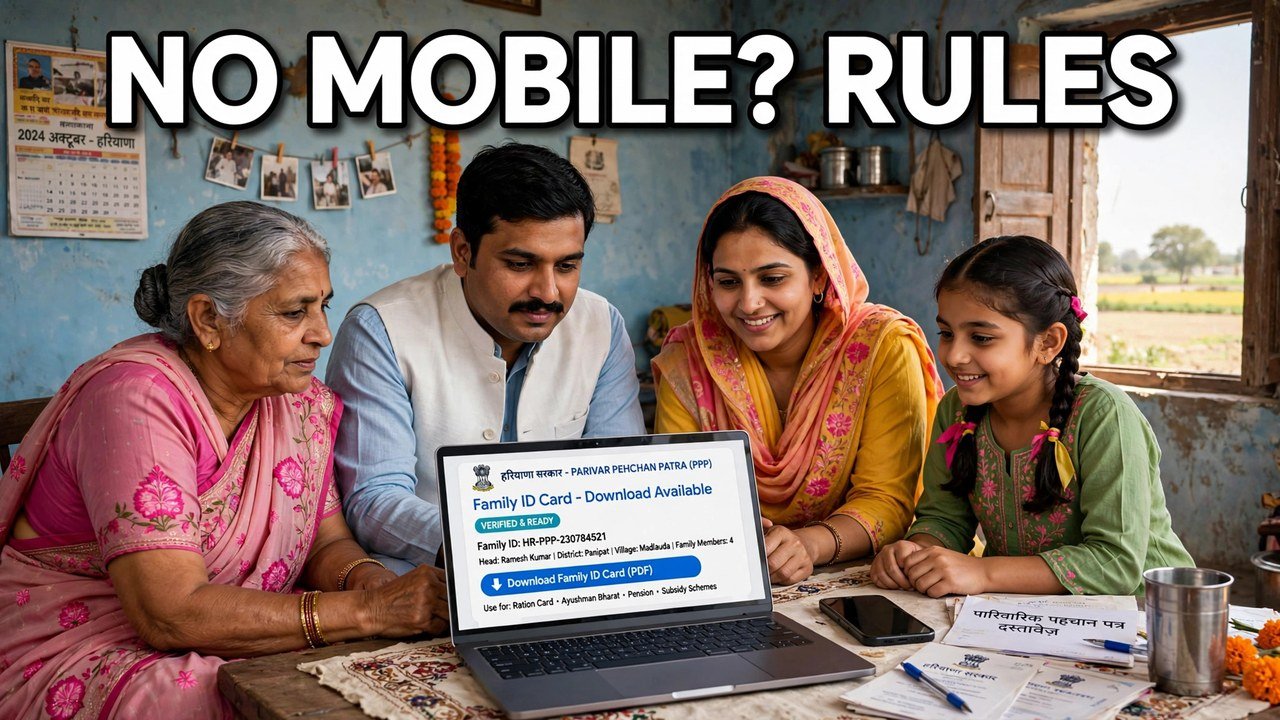
Can You Download Family ID Without the Registered Mobile Number? Rules Explained
The short answer is no — not from home, and not through the official self-service route. On the Mera Parivar portal, reaching your family record means authenticating with an OTP, and that OTP is sent to the mobile number of the Head of Family held in PPP. Without access to that registered number, the record does not open, Print PPP does not appear, and there is no download to save. That is not a missing feature or a temporary glitch. It is the rule that protects every family’s record, and this article explains what the rule allows, what it does not, and where a family without the registered mobile should actually go.
Many pages online claim a shortcut around this. None of those shortcuts is described in the official PPP information, and a family that hands its Aadhaar and Family ID to such a page is risking its record for a download the page cannot legitimately produce.
Why the Registered Mobile Sits in the Middle of Every Download
A downloaded Family ID is not a public certificate anyone can pull up by number. It is the final view of a private family record — names, dates of birth, income and other details of every member — and the portal opens that record only after authentication.
In the self-update flow described in the official information, the citizen enters the Family ID on the Update Family Details tab, an OTP goes to the Head of Family mobile, and entering that OTP is what authenticates the citizen. The Aadhaar search route changes how the record is found, not how it is opened: authentication still runs through the same Head of Family mobile. So the registered number is not an optional extra added to the download step. It is the key to the door the download sits behind.
That is also why the portal does not offer a field where you can type a different mobile number and receive the code there instead. If any new number typed on a website could unlock a family record, the OTP would prove nothing about who is opening it.
Three Situations Families Confuse With Each Other
You have the registered phone, but it is not with you right now. This is the easiest case, and it is not really a no-mobile problem. Coordinate with the Head of Family, have them read the OTP from their handset when you trigger it on the portal, and complete the download in that same session. The rule cares about the number on record receiving the code, not about the phone being in the same room as the computer.
The registered number exists, but the code is slow or does not arrive. That is a delivery problem on a live number, not a case for a bypass. It has its own guide on this site; the point here is only that waiting and retrying belong to a number that is still the family’s number on record.
The registered number is lost, closed or was never the family’s own number. This is the true no-mobile case, and it is the one self-service cannot solve. The OTP will keep going to the old number for as long as that number is what PPP holds. No setting on the portal, and no unofficial website, changes that destination — the record itself has to be dealt with through an assisted channel first.
The Route the Rules Actually Give You: Assisted Help
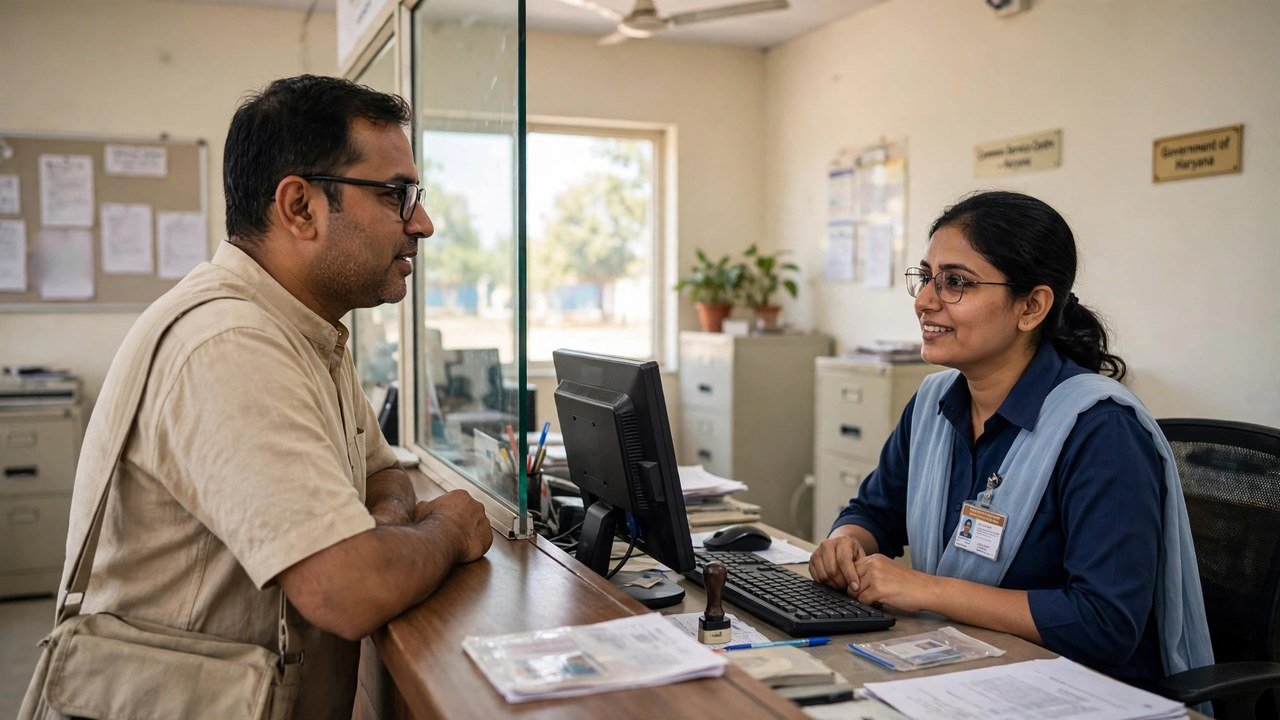
The official information describes two modes for working on a Family ID, and only one of them is the do-it-yourself portal. The other is assisted mode: a citizen can go to the nearest CSC, SARAL Kendra or PPP Operator, where the operator enters the Family ID and works on the record on the citizen’s behalf. Citizens can also update or verify family information at an Atal Seva Kendra or SARAL Kendra, as the NIC Haryana page notes.
For a family without the registered mobile, that counter visit is the download route the rules provide. Take the Head of Family with their Aadhaar, explain the exact position — the OTP for this Family ID goes to a number the family no longer has, so the record cannot be opened from home — and ask the operator to open the record through the assisted route, deal with the contact held for the family, and help you obtain the Family ID from there. Once the record carries a mobile the family actually controls, the normal portal download works again for the future.
Enrolment through these official channels carries no fee in the official information, so treat anyone demanding a special payment to "release" a download without an OTP with suspicion.
Claims That Should Make You Close the Page
“Enter Aadhaar only, no OTP needed.” The official flow authenticates after the search. A page that skips authentication entirely is not following the process the official information describes.
“We will send the OTP to your new number.” The code goes to the number stored for the Head of Family in PPP. A third party cannot redirect it, and asking you to wait for such a code is usually a way to collect your details or a fee.
“Download any family’s ID by name or number.” One household’s record opens for that household after authentication, not for a stranger with a search box. A service offering other families’ records is offering something no official route provides.
“Pay first, ID afterwards.” Official PPP help runs through the portal and the named counters. Payment demanded by an unofficial intermediary for a no-OTP download is not part of that system.
If you only need the card and you do have the Head of Family handset available, the normal download guide on this site covers that walkthrough; this article ends at the rule itself — without the registered mobile, the counter, not a shortcut, is the way.
Source: Mera Parivar / PPP portal, Government of Haryana; Citizen Resource Information Department, Government of Haryana — About Parivar Pehchan Patra; and National Informatics Centre, Haryana (Government of India) official page on Parivar Pehchan Patra (October 2024).
Conclusion
The rule is plain once it is stated whole: a Family ID download from home sits behind OTP authentication, the OTP goes to the Head of Family mobile stored in PPP, and the official information describes no no-OTP download and no way to redirect the code to a number typed in on the day. If the registered phone is simply elsewhere, coordinate with its owner and finish in one session. If that number is gone, the honest route is the assisted one — the Head of Family, with Aadhaar, at a CSC, SARAL Kendra, PPP Operator or Atal Seva Kendra counter, where the record can be opened on your behalf and the family’s contact can be put right so the next download works from home again.
FAQs
1. Can I download my Family ID with only my Aadhaar number and no mobile at all?
No. Aadhaar helps find the record in the portal search, but opening it still needs authentication through the OTP sent to the Head of Family mobile on record. Finding and opening are two different steps, and the second one has no mobile-free version in the official process.
2. Can the OTP be sent to another family member’s mobile just for the download?
No such option is described in the official self-update information. The OTP is sent to the mobile number of the Head of Family stored in PPP, not to whichever member is available that day. Another member can help only by coordinating with the Head of Family handset itself.
3. We lost the SIM that was registered in PPP. Is our Family ID gone too?
No. The record still exists under its Family ID; what is lost is the self-service key to open it from home. The assisted route at a CSC, SARAL Kendra or PPP Operator exists for exactly this kind of situation — take the Head of Family with Aadhaar and explain that the registered number is no longer available.
4. A website says it can download Family ID without OTP for a small fee. Is it official?
No. The official routes are the Mera Parivar portal with OTP authentication and the assisted counters named in the official information. A paid no-OTP offer follows neither route, and sharing your Aadhaar, Family ID or money with it puts your family record at risk.
5. After the counter visit fixes our contact, can we download from home next time?
Yes — that is the point of putting the record right. Once the family record carries a mobile the Head of Family actually uses, the normal self-service flow works as described: enter the Family ID on the portal, authenticate with the OTP sent to that number, and use Print PPP for the download.
