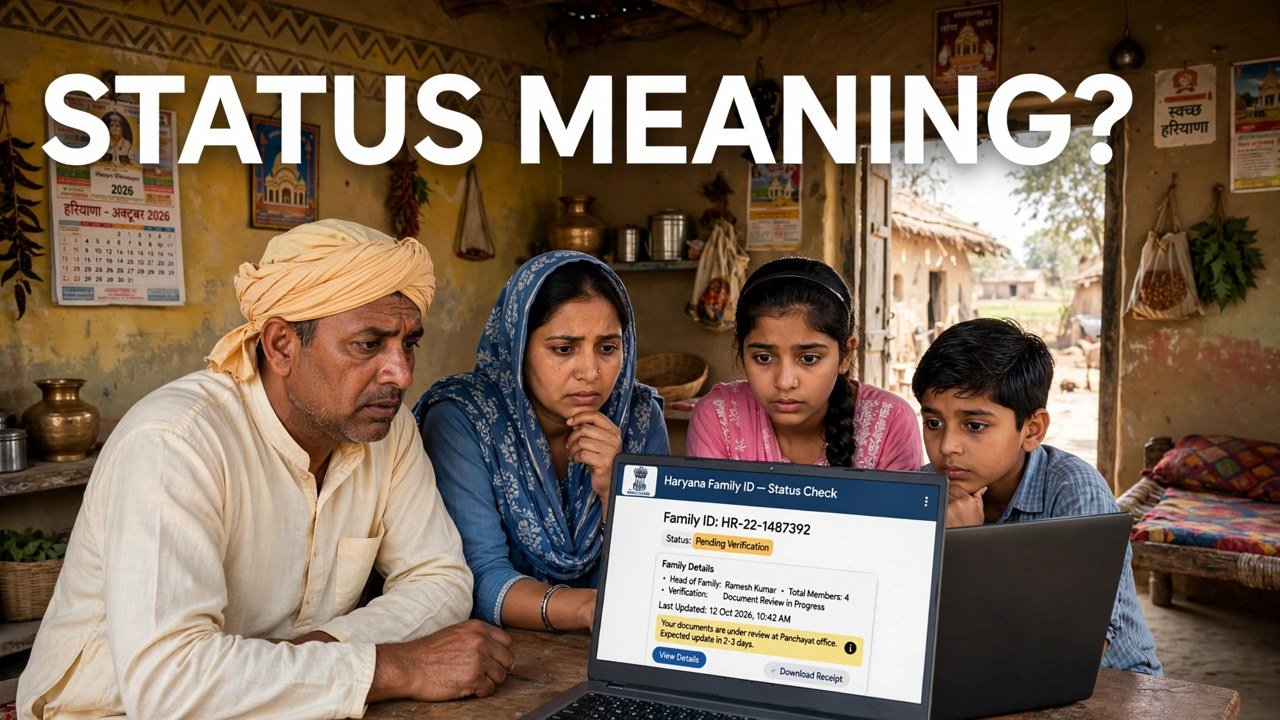
Family ID Ready or Not? What Your PPP Status Message Actually Means
A PPP screen rarely answers you with a plain yes or no — instead it shows you the state of individual fields, and families are left guessing what that wording commits them to. The reading is simpler than it looks: on the official record, a field shown as Verified means its verification is complete, while a field that does not yet carry that mark is a field whose checks are still running. Your Family ID is ready in the fullest sense when the record opens, its key fields stand verified, and Print PPP shows the final ID. Everything below is about reading those signals correctly, without treating a pending field as a rejection.
That distinction matters because PPP does not finish every check at the same moment. The official information says verification runs continuously, through electronic sources and, where necessary, field verification — so a mixed screen, part verified and part still in progress, is a normal stage, not an error message.
First, Reach the Wording You Need to Read
Keep this part short, because the message is the subject here, not the journey to it.
Go to meraparivar.haryana.gov.in, open Citizen Corner and then Update Family Details, find the record with the 8-digit Family ID or with the No option and Aadhaar, and complete authentication with the OTP sent to the Head of Family mobile stored in PPP. Once the member list opens, do not rush to edit anything. Read the record field by field and note exactly which fields carry the verified mark and which do not. That pattern — not a single overall label — is what tells you whether the record is settled, partly settled, or still being worked on.
If you came here only for the full status-check walkthrough, that process is covered in a separate guide on this site; this article stays with the screen you are already looking at.
The Word That Matters Most: Verified
When a field on your record is treated as Verified, the official meaning is precise.
It means PPP has completed verification of that piece of information through its checks. The consequence is equally precise: a field that is already verified cannot be edited in the self-update module. So a verified mark is not a decoration and not a request for action — it is the record locking that fact in as checked.
Read a fully verified set of key fields together with the Print PPP view and the picture is settled: the portal can display the final Family ID for the household, under its single 8-digit number. That is the closest thing PPP gives to a ready signal, and it comes from the state of the fields, not from a separate certificate or message.
The opposite mistake is common. Families see one verified field and assume the whole record is finished. Verification is field by field, so read each important field on its own before you conclude anything about the record as a whole.
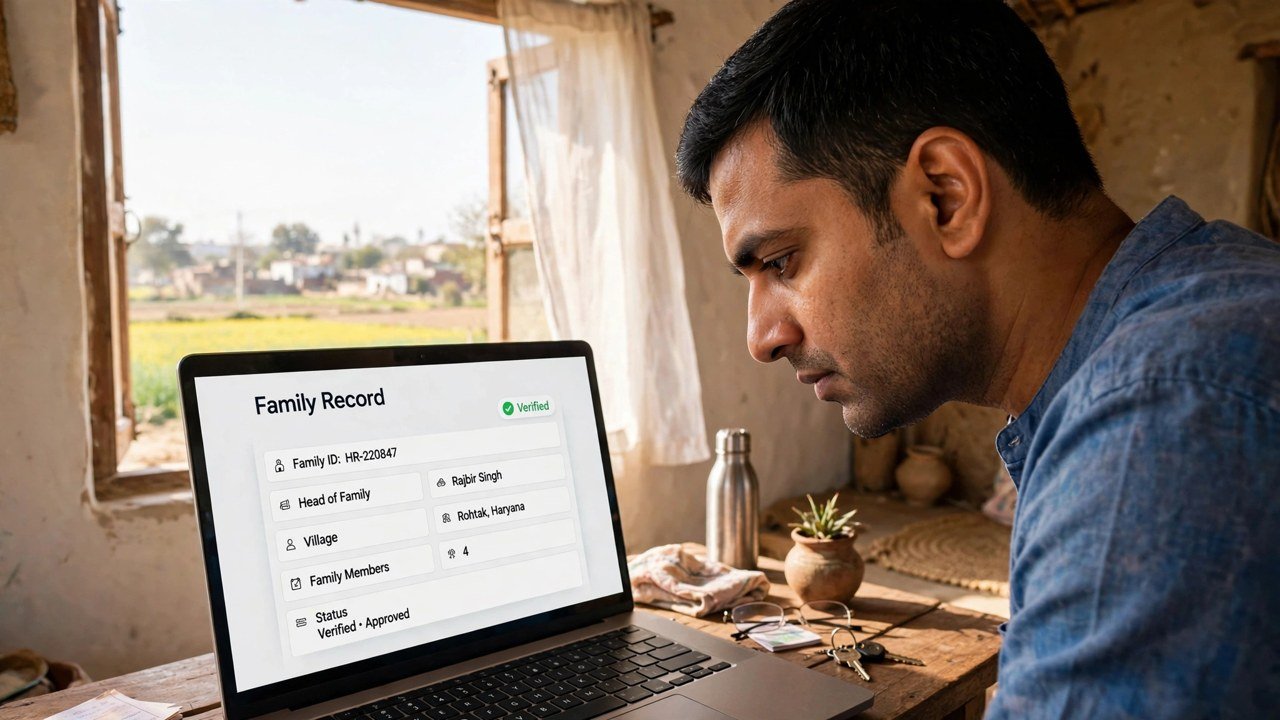
A Field With No Verified Mark Yet
A field that does not yet show as verified carries a narrower meaning than families often fear.
It means that field’s verification is not yet complete. PPP verifies the data a family provides through various sources electronically and through field verification wherever necessary, and those two routes do not finish at the same speed for every detail. An unmarked field is therefore a work-in-progress signal. Official sources do not describe it as a final rejection of the family, and this guide will not relabel it as one.
What you should do with that reading depends on accuracy, not on the mark alone. If the information in the still-unverified field is correct, the honest next step is to let the verification process continue and check the record again later. If the information itself is wrong, the mark is not the problem — the stored detail is, and that detail needs the official correction route rather than repeated status checking. Waiting will not fix a wrong date or a misspelt name, and re-checking will not hurry a correct field through field verification.
One limit is worth knowing here. After a citizen signs and uploads the PPP document on the portal, only a one-time change is allowed under the official self-update information. That is another reason to read first and edit only when you are sure which field is actually wrong.
The Two Numbers That Also Carry a Message
Sometimes the number itself is the message families are puzzling over.
A permanent family in Haryana receives an 8-digit Family ID. A temporary family receives a 9-digit ID beginning with T. Seeing the T form therefore does not mean the record has failed or that a mistake has been made in printing it; it marks the temporary category described in the official information. Likewise, an ordinary 8-digit number is the permanent form — there is no extra ready stamp hidden in the digits beyond that distinction.
Keep that reading separate from field verification. A household can hold its number while individual fields are still completing verification, because the number identifies the family’s single record and the verified marks describe the state of the information inside it.
Misreadings to Avoid
Treating every pending field as a rejection. No verified mark yet means not yet complete. It does not, on the official wording, mean the family has been refused a Family ID.
Treating one verified field as a finished record. Verification is per field. Check the fields that matter for the service you need before assuming the whole record is settled.
Trying to edit a verified field to make the record look newer. Verified fields cannot be edited in self-update. If a verified field is genuinely wrong after a real change in circumstances, that is a matter for the official assisted channels, not for repeated attempts on the portal.
Asking a third party to decode a secret status. There is no secret layer here. The meaningful signals are the ones on your own record after Head of Family OTP authentication — the verified marks, the fields still in progress, the form of the ID number, and whether Print PPP displays the final ID.
If the Wording Still Does Not Make Sense at Home
Take the exact screen, not a paraphrase of it, to an official counter. Citizens can update or verify family information at an Atal Seva Kendra or SARAL Kendra, and assisted PPP help is available through a CSC, SARAL Kendra or PPP Operator. Ask the operator to open the same record and point to the same field you were reading, and have them explain its state on screen. That keeps the interpretation tied to your actual record instead of to a screenshot circulating on social media, which may belong to a different stage of a different family’s verification.
Source: Mera Parivar / PPP portal, Government of Haryana; Citizen Resource Information Department, Government of Haryana — About Parivar Pehchan Patra; and National Informatics Centre, Haryana (Government of India) official page on Parivar Pehchan Patra (October 2024).
Also read: check Haryana Family ID status online | family income verified or still pending in PPP
Conclusion
Read a PPP status screen the way it is built: field by field. Verified means that field’s checks are complete and the field is locked against self-editing; no verified mark yet means that field is still inside a verification process that runs electronically and, where needed, in the field — not that the family has been rejected. An 8-digit number is the permanent form and a 9-digit T number is the temporary form, and Print PPP displaying the final ID alongside verified key fields is the practical ready signal. When those pieces are read together, most status messages stop being confusing: they tell you what is settled, what is still moving, and whether your next move is patience, a correction to a genuinely wrong detail, or a visit to an Atal Seva Kendra, SARAL Kendra, CSC or PPP Operator with the exact screen in hand.
FAQs
1. My name field shows as verified but my income field does not. Is my Family ID half ready? In field terms, yes — that is exactly how to read it. The name field’s verification is complete, while the income field’s verification is not yet complete. The record is one record, but its fields settle at different times because verification uses electronic checks and, where necessary, field verification.
2. Does a verified field mean I can still change it once from home? No, not that field. The official self-update information says fields already verified in PPP cannot be edited. The one-time change rule in that information concerns a change after the citizen signs and uploads the PPP document; it is not a general right to reopen a verified field at will.
3. My Family ID number starts with T and has 9 digits. Is that a temporary status message? It marks the temporary category: official information gives permanent families an 8-digit Family ID and temporary families a 9-digit ID beginning with T. It is a category marker for the number, separate from whether individual fields inside the record have completed verification.
4. No field on my record shows as verified yet. Should I enrol again to restart it? No. One household holds one Family ID record, and verification is described as a continuing process in the official information. A record with no verified fields yet is a record whose checks are still in progress. Check again later, and if a stored detail itself is wrong, use the correction route for that detail instead of creating a second enrolment.
5. An office asked whether my Family ID is ready. What should I show them? Show the record itself: the 8-digit Family ID, the member list as it opens after authentication, the verified state of the key fields, and the final ID as displayed in Print PPP. Those are the signals an office can read directly, rather than a screenshot of a status claim from a third-party page.
