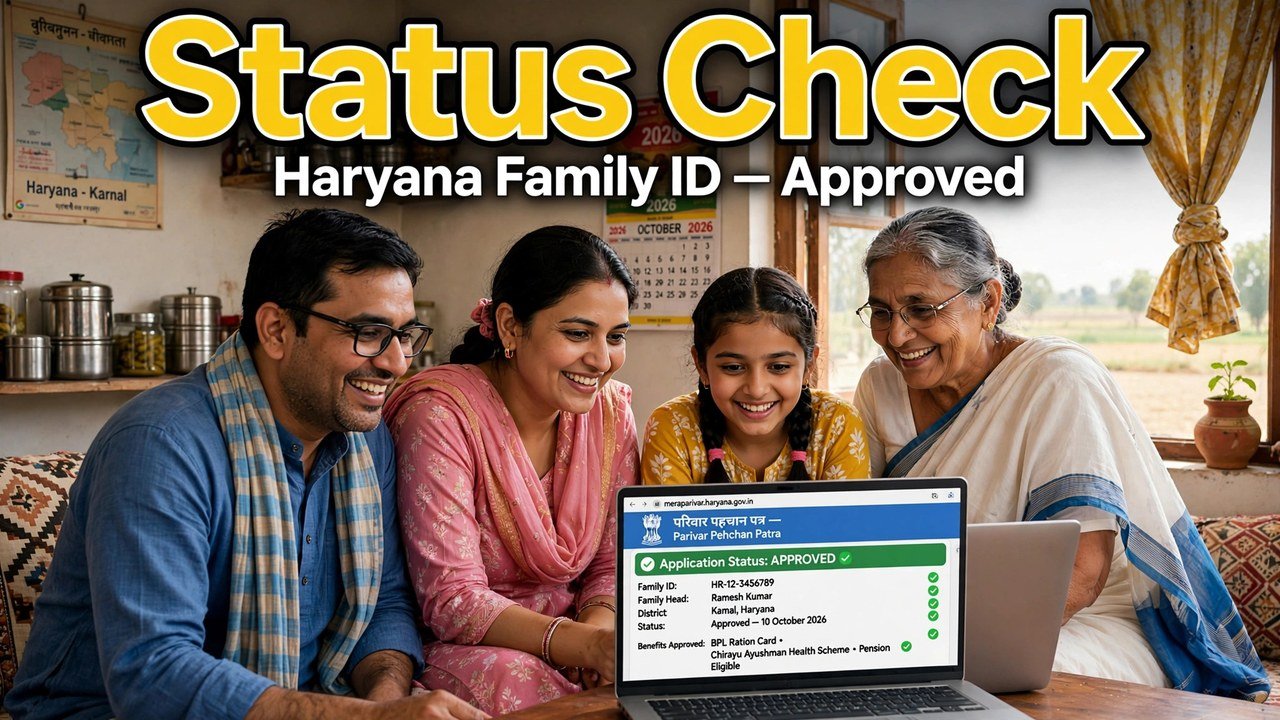
Family ID Status Check: How to Know If Your PPP Is Approved or Rejected
The quickest honest answer to “is my Family ID approved?” is on your own record, not on a list shared by someone else. Open the official Mera Parivar portal, go to Citizen Corner and Update Family Details, open your family record with the OTP sent to the Head of Family mobile on record, and look at what the record itself shows: if the member list opens and Print PPP displays the final Family ID, your PPP is ready to use; if the record does not open fully or a field is still awaiting verification, the Family ID is not yet in its final, fully verified state. That opening-or-not-opening check — and what to do in each case — is the whole subject of this guide.
There is no separate official “approved list” or “rejected list” for families to search in the sources used for this article. Anyone offering such a list outside the official portal should not be trusted with your Aadhaar or OTP.
What “Ready to Use” Looks Like on the Record
Forget labels for a moment and look for evidence on the screen in front of you.
A ready Family ID behaves like a finished record. The portal lets you in after OTP authentication, the full member list for your household appears under one 8-digit Family ID, and the Print PPP view shows that final ID in a form an office can read. PPP works from one record per household, so that single number opening correctly is the practical sign that the record exists and can be produced when a scheme or service asks for it.
Verification sits behind that picture. The official information explains that PPP checks the data a family provides through electronic sources and, where needed, through field verification, and that once verification of a field is complete, that field is treated as verified and can no longer be edited in the self-update module. A record whose main fields have reached that verified stage is a settled record — it does not need you to re-apply, re-enrol or create anything new.
What “Not Ready Yet” Looks Like Instead
A not-ready outcome also shows itself on the record, just differently.
The record may open while some information is still being verified, or the self-service route may not open the record at all. In that situation the Family ID has not been “cancelled” and you have not been given a final rejection verdict by a list — the work on the record is simply not complete, or a detail in it does not yet match the verification checks PPP runs. Official sources do not publish a fixed catalogue of rejection reasons for an overall PPP status, so this article will not invent one. What matters is the next action, and that depends on what you can see.
If the member list opens, read it slowly before you do anything else. The names, relationships and key details on that list are the record the government will use. A status worry is often, on inspection, a detail worry: something on the list is incomplete or wrong, and that detail — not a mysterious overall rejection — is what needs attention through the correction route.
Checking the Status, Screen by Screen
Step 1 — Start only on the official portal. Type meraparivar.haryana.gov.in yourself. Status checks offered on lookalike sites are not official checks.
Step 2 — Open Citizen Corner, then Update Family Details. This is the tab the official citizen information names for self-service access to a family record.
Step 3 — Open the record in the way that fits what you have. Enter the 8-digit Family ID if you know it. If you do not, choose the No option and search with Aadhaar instead.
Step 4 — Complete the OTP authentication. Enter the OTP sent to the mobile number of the Head of Family stored in PPP. The record opens only after this step, so the Head of Family handset must be available.
Step 5 — Judge the status from what opens. Member list visible and Print PPP showing the final Family ID: the record is ready to use. Record not opening, or information still under verification: it is not in its final state yet, and the sections below set out the next step. Do not pay anyone to “approve” it faster — enrolment and this check carry no such shortcut in the official process.

If Your Record Is Ready: Two Small Habits
First, keep the 8-digit number written down where the family can find it, and keep one readable copy of the Print PPP view. Future scheme applications will ask for the number, not for a story about when you checked it.
Second, leave verified fields alone. A field that has completed verification cannot be edited in self-update, and trying to force changes to a settled record creates the very mismatch families later have to correct. If a real life event changes the family — a birth, a marriage, a death, a move — that change goes through the official update route for that event, not through repeated status checking.
If you only needed to know whether the card file exists for printing on a phone, that is a separate guide on this site; this article ends once the status itself is clear.
If Your Record Is Not Ready: The Order to Work In
Wait only if verification is genuinely still in progress. PPP verification uses electronic cross-checks and field verification where necessary, so a recently enrolled or recently updated record may not be final the same day. Checking again after some time is reasonable; enrolling a second time is not — one household holds one record.
Fix a wrong detail through correction, not through a new application. If the record opens but a name, date or other detail is wrong, the correction route for that detail is the next step, because a download or a status re-check will only show the same stored error again.
Use the grievance route when a PPP-linked service is affected. For problems tied to a service driven by PPP data, the official grievance system generates a ticket ID so the complaint and its status can be tracked. The full filing walkthrough is in the grievance guide linked from this site — use it rather than handing your papers to an unofficial intermediary.
Go to a counter when self-service cannot open the record at all. Citizens can update or verify family information at an Atal Seva Kendra or SARAL Kendra, and assisted PPP help is also available through a CSC, SARAL Kendra or PPP Operator. Bring your Aadhaar and the Head of Family with their mobile, and ask the operator to open the same record and show you its state on screen.
Source: Mera Parivar / PPP portal, Government of Haryana; Citizen Resource Information Department, Government of Haryana — About Parivar Pehchan Patra; National Informatics Centre, Haryana (Government of India) official page on Parivar Pehchan Patra (October 2024); and CRID PPP Services Grievance Redressal Help Guide v3.0.
Also read: check Haryana Family ID status online | Family IDs under review in Haryana | what your PPP status message actually means
Conclusion
An overall Family ID status is not hidden in a secret list — it is written on the record itself. Open Update Family Details on the official portal, authenticate with the Head of Family OTP, and read what appears: a member list with a final Print PPP view means the record is ready to use, while an unopened record or information still under verification means the work is not finished and the sensible response is patience, a correction for a specific wrong detail, a tracked grievance for an affected service, or a visit to an Atal Seva Kendra, SARAL Kendra, CSC or PPP Operator — in that order, and never a second enrolment or a paid shortcut.
FAQs
1. Is there an official list where I can see approved and rejected Family IDs?
No such list is named in the official sources used for this article. The status is checked on your own family record on the Mera Parivar portal after OTP authentication. Treat any approved-or-rejected list circulated outside the official portal as untrustworthy, and never share your Aadhaar or OTP with whoever offers it.
2. My record opens and Print PPP shows the ID. Does that mean I need to apply for approval separately?
No separate approval application is described in the official process. A record that opens with its member list and shows the final Family ID in Print PPP is the record in its usable form. Keep the number noted down and use it when a scheme or service asks for it.
3. The portal shows my information is still being verified. How long will it take?
The official sources used here do not give a fixed day-count for overall verification, which can involve electronic cross-checking and field verification where needed. Do not rely on a timeline promised by a third party. Check the record again later, and if a specific detail is wrong, correct that detail instead of waiting for the error to clear itself.
4. Does “not ready” mean my Family ID has been rejected forever?
No. A record that is not yet final is not the same as a closed case. Verification may still be in progress, or a stored detail may need correction. The official next steps are the correction route for a wrong detail, the grievance route for an affected PPP-linked service, or assisted help at an Atal Seva Kendra, SARAL Kendra, CSC or PPP Operator counter.
5. I cannot open the record because the OTP goes to an old mobile number. Can I still check the status?
Not through self-service, because authentication sends the OTP to the Head of Family mobile stored in PPP. Use the assisted route instead: an Atal Seva Kendra, SARAL Kendra, CSC or PPP Operator can open the record through the official channels, and the stored mobile problem can be dealt with there rather than bypassed.
