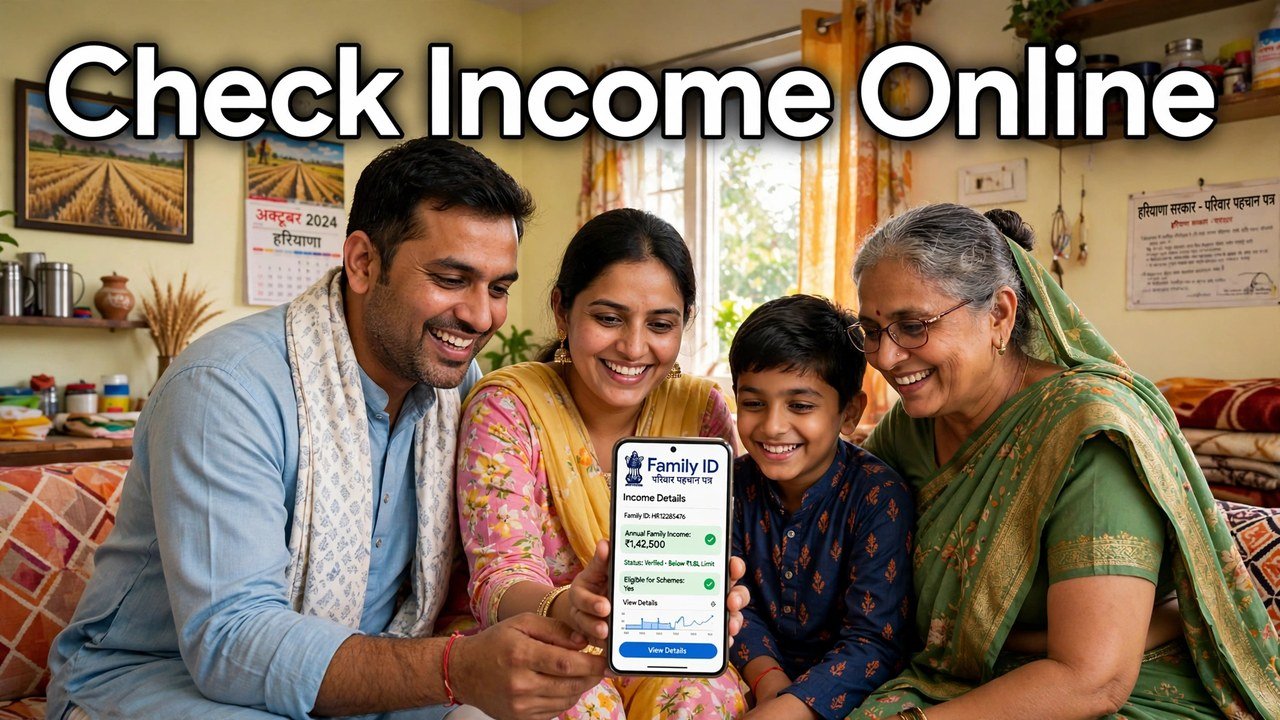
How to Check Income in Family ID Online: The Step-by-Step Method
To check the income in your Family ID online, open the official Mera Parivar portal at meraparivar.haryana.gov.in, go to the family details route, and enter your 8-digit Family ID — or your Aadhaar number if you do not have the ID number with you. Complete the OTP sent to the Head of Family mobile number, and your family record will open on screen. The income recorded for the family appears in those family details, and the same figure is shown in the printed PPP form. Note the amount and whether it is marked verified or still pending.
That is the whole check. The sections below take each part slowly, so you do not stop at the wrong screen or note the wrong figure.
Keep These Two Things Ready Before You Open the Portal
This check fails most often before it even starts, because one of two things is missing.
First, keep your Family ID number ready if you have it. Haryana’s PPP system gives each household a unique 8-digit Family ID, and that number is the fastest way to open the record. If the number is not with you, keep the Aadhaar number linked with the family instead — the official citizen information provides a search route for families who do not know their Family ID, using Aadhaar.
Second, keep the mobile phone that is registered with the Head of Family within reach. The portal does not open the full record on the ID number alone. It validates the citizen first, and the one-time password for that validation is sent to the registered mobile number, or the Head of Family member’s registered number. If that phone is with another family member in a different place, finish the check when the phone is with you — asking someone to read out an OTP over a call and typing it in a hurry is how wrong entries and locked attempts happen.
You do not need any agent, app or paid form for this check. It is a view of your own record on the official portal.
Open Your Family Record Online in Six Steps
Work through the steps in this order, and wait for each screen to load fully before moving to the next one.
- Go to the official portal only. Type meraparivar.haryana.gov.in in your browser and open the Mera Parivar / PPP site. Do not use a look-alike site shared in a message — the record contains your family’s personal details, and only the official portal should receive your Family ID, Aadhaar number and OTP.
- Choose the family details route. On the portal, select the option for updating or viewing family details. The official citizen information describes this as the self-service route, called Self-Update Mode, where the citizen opens the record directly instead of going through an operator.
- Say whether you know your Family ID. The flow asks this as a yes-or-no choice. If you know the number, choose that option and enter the 8-digit Family ID, then search. If you do not know it, choose the other option and enter the Aadhaar number so the system can find the family.
- Request the OTP and enter it. After the search, ask for the one-time password and enter the OTP received on the registered or Head of Family mobile number. This validation is what links the person opening the record to the family in the record.
- Check the family shown is yours. When the record opens, first confirm the Head of Family name and the family members listed. If the names are not your family’s, stop — do not note any income from a record that is not yours.
- Go to the income in the family details. Within the opened family details, find the income recorded for the family. If you want the clearest view, open the print view of the PPP form from the record — the final print shows the family’s details, including the income, in one place. Note the amount exactly as shown.
At the end of Step 6 you have completed the online check. Everything after this point is about reading what you found correctly.
Two Income Figures Can Appear — Note the Verified One
A common confusion at this stage is that families remember one income and see another. Both figures have a place in the system, but they do not carry the same weight.
The first figure is the income the family declared when the record was made. The second figure is the income recorded after verification. The Haryana Government has explained in the Legislative Assembly that the declared income is verified through online data checks and by Local Committees of five members who assess it, and it is the outcome of that process that is stored as the family’s verified income in PPP.
So when you do this check, write down the figure the portal shows in the record now — not the figure from an old slip, and not the figure you expected to see. If the two differ, the portal figure is the one currently on record, and it is the one any later correction case will have to refer to. Note it in full, in rupees per year, exactly as displayed.
Reading the Words Next to the Income Line
The amount alone is only half the information. Look for the status shown with it.
If the income is shown as verified, verification of that field is complete. The official citizen information states that a field which has completed verification cannot be edited in the ordinary update flow, which is why a verified figure is changed only through a formal contest route, not by typing over it.
If the income is still shown as pending verification, no final verified figure has been recorded yet. Pending means the checking process for that field is not finished — it does not mean the family has been rejected, and it does not fix a final income. In that case, note both the declared amount visible and the pending status, with the date you checked. A dated note helps if you check again later and need to show what changed.
Do not treat a screenshot from another family’s record, or a figure quoted by an operator from memory, as your result. Your result is the amount and status on your own record, on the day you opened it.
Save a Copy of What You Saw
Before you close the portal, save the result of the check in a form you can find again.
The simplest way is the print view itself: use the printed PPP form or save its copy, because it carries the family details and the income together. If you are checking on a phone, note the income amount, its verified or pending status, and the date in your own diary or notes, and keep it with your Family ID number.
This one habit saves a repeat visit later. Most follow-up questions — at a CSC, on a grievance, or in a correction filing — begin with the same two facts: what income is shown, and since when. A saved copy answers both without opening the portal again.
When the Online Check Stops Halfway
Three problems stop this check most often, and each has an official alternative rather than a shortcut.
If the OTP does not reach the registered mobile, wait and request it once more rather than entering guesses. Repeated wrong OTP entries do not open the record any faster.
If the Head of Family mobile number itself has changed, the self-service OTP route cannot validate you on the new number until the record carries it. In that situation, use Assisted Mode: a CSC, SARAL Kendra or PPP Operator can open the record with your Family ID and carry out the process on your behalf, as described in the official citizen information. NIC Haryana also names the nearest Atal Seva Kendra or SARAL Kendra as places where citizens can verify their family information.
If the portal itself is not loading, try again after some time on the same official address instead of shifting to an unofficial site that promises the same record. Your Family ID, Aadhaar number and OTP should only ever be entered on the official portal or given at an authorised centre.
Source: Mera Parivar / PPP portal official citizen information, Government of Haryana; Haryana Legislative Assembly reply on Parivar Pehchan Patra, Starred Question No. 4 (February 2023); National Informatics Centre (NIC) Haryana, Government of India — official page on Parivar Pehchan Patra (Informatics, October 2024); and Citizen Resource Information Department, Government of Haryana — PPP Services Grievance Redressal Help Guide (Version 3.0).
Also read: wrong income can affect your BPL status | income showing high — apply for correction online
Conclusion
Checking your Family ID income online is a short, single-record task: official portal, Family ID or Aadhaar, OTP to the Head of Family mobile, and the family details open in front of you. The value of the check lies in noting it properly — the exact verified amount as shown, its verified or pending status, and the date — and saving the printed copy with those details. Keep the OTP phone with you before you start, use an authorised centre only when self-service validation itself fails, and the income on your PPP record will never be a rumour you heard somewhere else; it will be a figure you have seen yourself.
FAQs
- Q: I do not know my 8-digit Family ID. Can I still check the income online? A: Yes. The official flow provides for this case: choose the option that you do not know the Family ID and search with the Aadhaar number instead. Once the family is found and the OTP validation is completed, the same family details, including income, open on screen.
- Q: The portal shows a different income from the one we gave at enrolment. Which one is on record? A: The one the portal shows now. Income declared at enrolment is verified through online data checks and Local Committee assessment, and the figure recorded after that process is the verified income stored in PPP. Note that displayed figure exactly if you plan any follow-up.
- Q: Why does the OTP go to the Head of Family number and not to my own phone? A: Because the validation is tied to the family record, the OTP is sent to the registered mobile number, or the Head of Family member’s registered number, as described in the official PPP guides. Complete the check when that phone is available, or use Assisted Mode at a CSC, SARAL Kendra or through a PPP Operator.
- Q: My income line shows pending verification. What should I note down? A: Note the amount visible, the pending status itself, and the date of your check. Pending means verification of that field is not yet complete, so there is no final verified figure yet. Checking again later, against your dated note, shows whether the status or the amount has moved.
- Q: Can I change the income on the same screen where I check it? A: Not if the field has completed verification. The official citizen information states that verified fields cannot be edited. The check screen tells you what is recorded; changing a verified income follows the separate Correction or Grievance route, starting from the exact figure you noted during this check.
