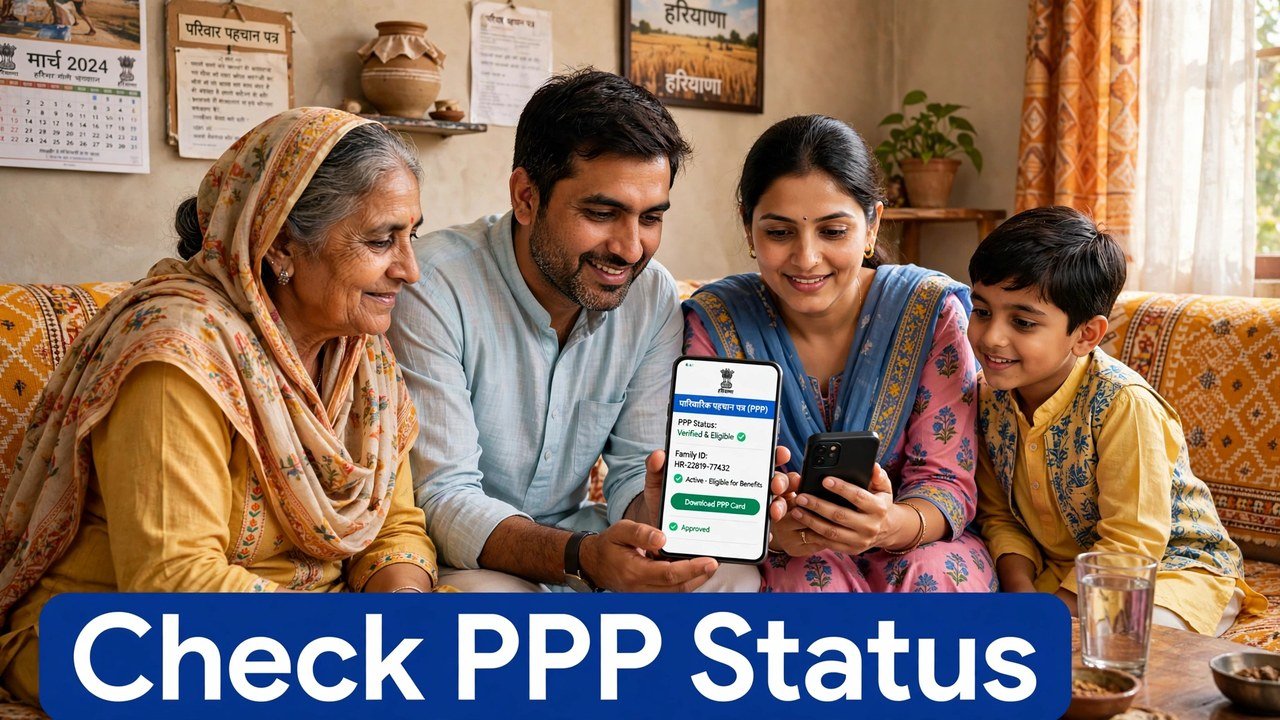
Family IDs Under Review in Haryana: What It Means and What to Do Next
If people in your area are saying that some Family IDs are “under review”, do not look for a separate list of names — no official Haryana source publishes such a list. What you can actually check is your own record: open your Family ID details through official channels, look at whether your family income is shown as verified or is still pending verification, and check that the member details in the record are correct. If the verified income looks wrong, the official way to challenge it is the Correction route or the Grievance route, not a private agent.
That is the honest position from the official material. The steps below show how to read your status, what verified and pending mean in practice, and where a challenge goes after you file it.
First, Be Clear About What “Status” Means Here
In PPP, status is not one single screen with one single word for every family. Families usually mean one of three different things when they ask about status:
- Is my family record present and correct in PPP, with all members listed?
- Has my self-declared income been verified, or is that verification still pending?
- If I filed a correction or a grievance, where has that request reached?
Keeping those three questions separate saves confusion. A family record can be present while its income verification is still pending, and a grievance can be in progress even after the main record is verified.
Reading Your Income Position: Verified or Still Pending
When a family enrols, the income it declares is not simply accepted at face value. The Haryana Legislative Assembly reply on PPP explains that self-declared income is verified through more than one method. Those methods include online checks against official data and assessment by Local Committees.
A Local Committee has five members, and each member assesses the family’s income independently. The verified income is worked out from those assessments.
So when you check your record, read the income field with that background in mind:
- If a verified income is shown, that figure has gone through the verification process described above.
- If verification is still pending, it means that process has not finished for your record yet. Pending on its own does not mean your record has been rejected, and this article does not invent a date by which pending cases will finish, because the official sources used here do not give such a date.
A Short Self-Check You Can Do Today
Work through only the items that belong to this status check:
- Note your 8-digit Family ID and keep access to the registered mobile number, because OTP-based official services use that number.
- Look at the family record and confirm the head of family’s name, the registered address and the list of members.
- Read the income shown in the record and note whether it is shown as verified or whether verification is still pending.
- Compare that income figure with what your family actually declared. If they differ, note the exact figure shown — you will need it if you file a challenge.
- If you have already filed a correction or grievance earlier, keep its ticket or reference with you before you check anything else, so you do not file the same request twice.
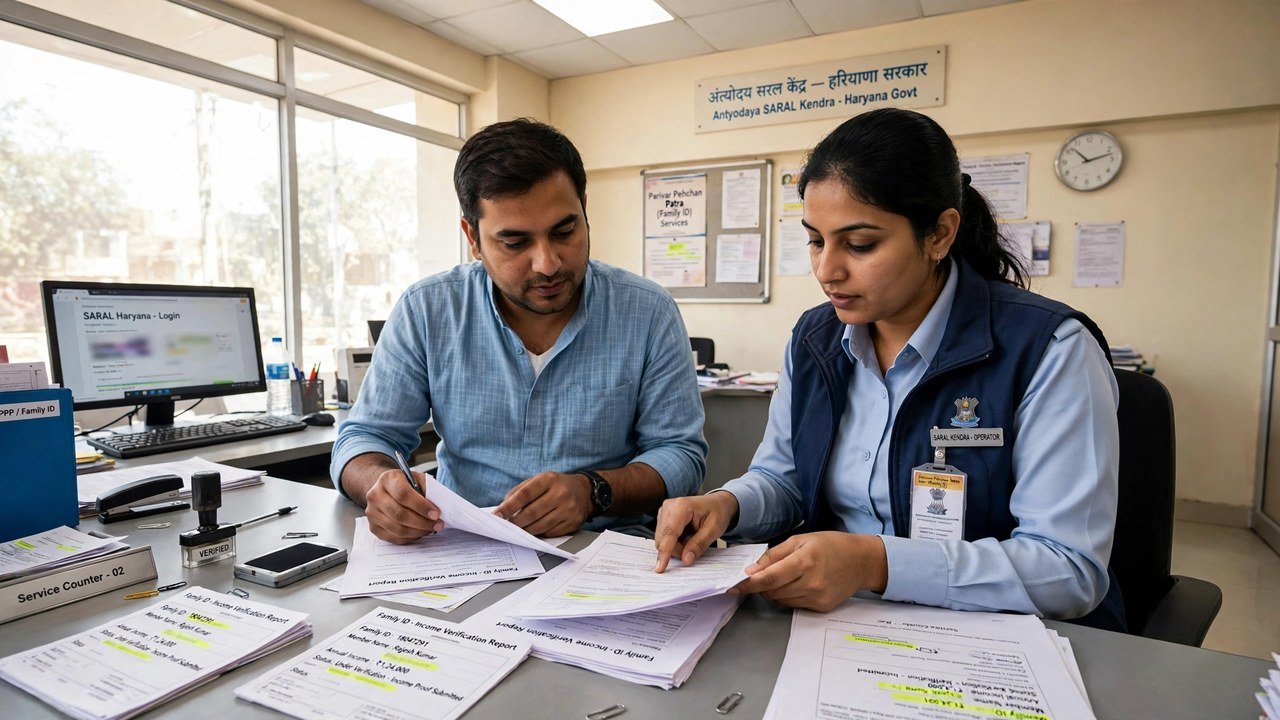
Where to Verify or Update the Record in Person
NIC Haryana’s official page on PPP states that citizens can update or verify their family information at their nearest Atal Seva Kendra or SARAL Kendra.
Use that route if you cannot complete the check online, if the registered mobile number is not available to you, or if the record shows a detail that needs an in-person correction. Take your Family ID and the documents for the detail in question, and ask for the correction to be recorded through the official system.
If the Verified Income Is Wrong: The Two Named Routes
The Assembly reply names the designated online mechanisms for contesting income verification in PPP: Correction and Grievance. It says this includes challenges to exclusions.
Choose based on what you need:
- Use Correction when a record detail itself needs to be changed through that module.
- Use Grievance when you are raising a service-linked complaint or contesting an outcome such as an exclusion.
For grievance filing, the CRID help guide sets out the sequence: choose Add/view Grievance, enter your PPP ID or Aadhaar ID, verify with the OTP sent to the registered mobile or the Head of Family member’s registered number, check the head’s name and registered address shown after validation, select the name of the service, provide the service-wise information and supportive documents, and submit. A ticket ID is then generated for tracking, and an SMS confirms the filing with its date, time and tracking ID.
What Happens After a Challenge Is Filed
The Assembly reply describes electronic routing after a challenge. An exclusion challenge is pushed electronically and automatically to the appropriate quarters for online verification.
If your challenge is about income assessed by a Local Committee, the request is pushed to a higher-level Sector Committee, which has a similar composition to the Local Committee.
The sources used for this article do not state a fixed number of days for a decision, so keep your ticket ID safe and follow the case through the same Add/view Grievance route instead of relying on a rumoured deadline.
Three Misreadings to Avoid
First, do not treat a social-media “under review list” as official. No official source used here publishes a list of Family IDs under review, and entering your ID or OTP on an unofficial page puts your record at risk.
Second, do not read “pending” as “cancelled”. Pending verification and deactivation are different matters, covered by different official rules.
Third, do not file the same challenge again and again without a reference. The grievance system gives a ticket ID precisely so one case can be tracked.
Source: National Informatics Centre (NIC) Haryana, Government of India — official page on Parivar Pehchan Patra; Haryana Legislative Assembly reply on Parivar Pehchan Patra (Starred Question, February 2023); and Citizen Resource Information Department, Government of Haryana — PPP Services Grievance Redressal Help Guide (Version 3.0).
Also read: PPP approved or rejected — status check | check Haryana Family ID status online
Conclusion
Checking your PPP status comes down to your own record, not a published review list. Read whether your income is verified or still pending, confirm the head’s name, address and member list, and keep any earlier ticket reference handy. If the verified figure is wrong, use the designated Correction or Grievance routes — a Local Committee income challenge goes onward to a Sector Committee — and verify or update the record in person at an Atal Seva Kendra or SARAL Kendra when you need to.
FAQs
1. Is there an official list of Family IDs under review in Haryana?
No official source used for this article publishes such a list. Check your own Family ID record for whether income is verified or still pending instead of searching for a list.
2. My income verification is still pending. Does that mean my Family ID is cancelled?
No. Pending means the verification process has not finished for that record. It is a different matter from deactivation, which is covered by separate official regulations.
3. Who verified my family income in PPP?
The Assembly reply says self-declared income is verified through methods including online data checks and Local Committees of five members who assess the income independently.
4. The verified income shown for my family is wrong. Where do I challenge it?
Through the designated online mechanisms named in the Assembly reply — Correction and Grievance — including for challenges to exclusions. Local Committee income cases are pushed to a higher Sector Committee.
5. How do I track a grievance I filed about my Family ID status?
The CRID guide says a ticket ID is generated on submission for tracking, and an SMS confirms the filing with its date, time and tracking ID. Use Add/view Grievance with that ticket reference.
