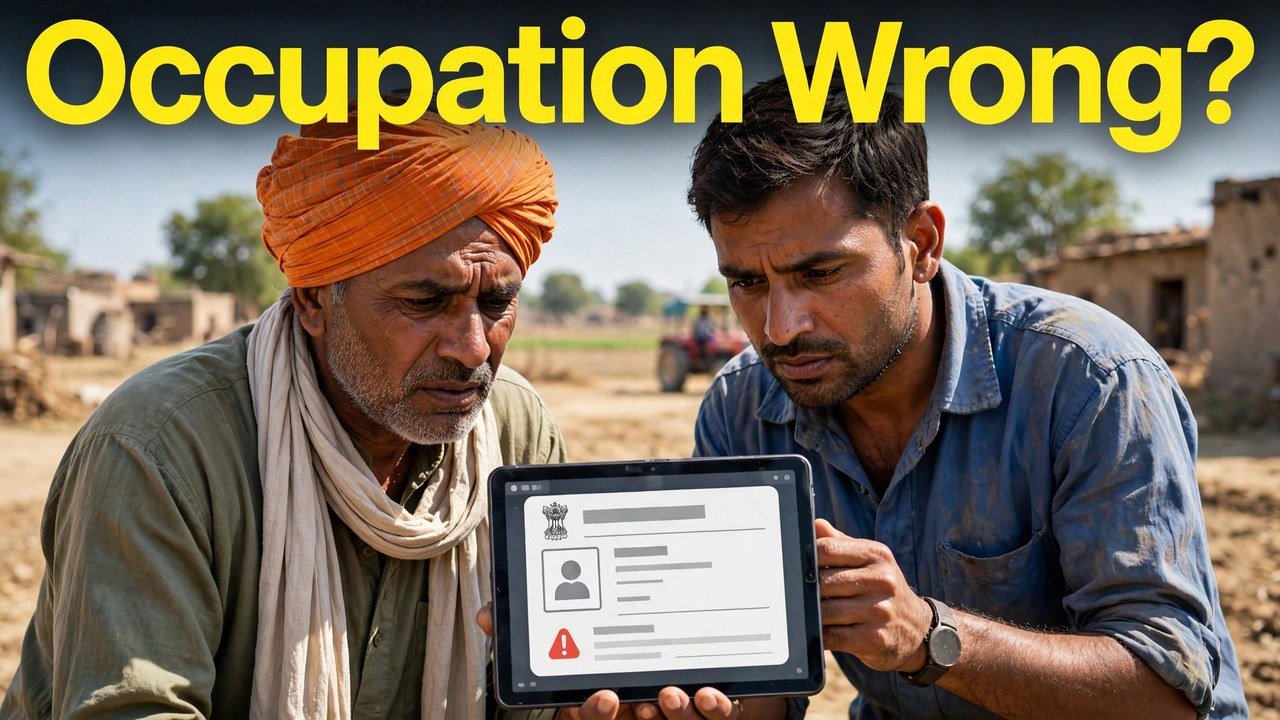
Occupation Wrong in Family ID? Farmer, Labour or Job: Why Correction Matters for Benefits
Three households, three different working lives, one identical defect in a government record.
A farmer sells his paddy through procurement at the mandi — yet against his name the Family ID says labourer, as though he earned by the day on somebody else’s land. A retired schoolteacher draws her pension month after month, while her entry still carries the job she walked away from years ago. A young man works a private job in town, but his line, copied down from his father’s, calls him a farmer.
In each house the wrong word is the occupation. It looks like a small clerical slip. It is not, because in PPP that word is read alongside the member’s income whenever the record is examined. This article takes up that one field: why it carries weight, and how to replace the wrong word with the right one.
Why a Benefit Check Cares What Work You Do
PPP was never meant to be a bare list of who lives where. Haryana’s own description of the scheme says every family is issued a single 8-digit ID with core and socio-economic particulars attached to it, so the record can be drawn upon when schemes, services and benefits are delivered. Occupation is one of those particulars, and it does quiet explanatory work: it tells a reader what sort of earnings to expect behind the income figure recorded for a member. Crop-based work points one way, daily-wage labour another, a salaried job a third. Where the occupation and the real work part company, that explanation collapses — a wage worker starts to be read as a landholder, a pensioner as serving staff — and every later reading of the member begins from a false picture.
That is reason enough to repair this field on its own, in a visit that concerns nothing else — not even your income figure, however closely the two are read together.
The State Tests Income Against the World of Work
Declared income in PPP is not simply accepted as written. Replying to Starred Question No. 4, the Haryana Legislative Assembly laid out the official sources against which it is verified, and the list reads like a map of working life:
- Income Tax Returns, looked up through the Central Board of Direct Taxes system
- HRMS records for employees of the Haryana Government and of its boards and corporations
- The records of retired government pensioners
- Data on contractual employees working with the State Government
- Wages paid to industrial labour, supplied through the Haryana Labour Welfare Board
- Sums paid to farmers for agricultural produce procured on e-Kharid
- Electricity consumption, and assessment by Local Committees
Hold that list up against the occupation line and the point sharpens. A member recorded as a government employee invites comparison with HRMS-style data. A member recorded as a farmer invites comparison with e-Kharid payments. Enter the wrong occupation, and the comparison runs against the wrong kind of record altogether — the income picture that emerges can be skewed even though the member’s actual work never changed at all.
None of this replaces the income-correction process, which is a larger job with its own walkthrough: how to apply for income correction online.
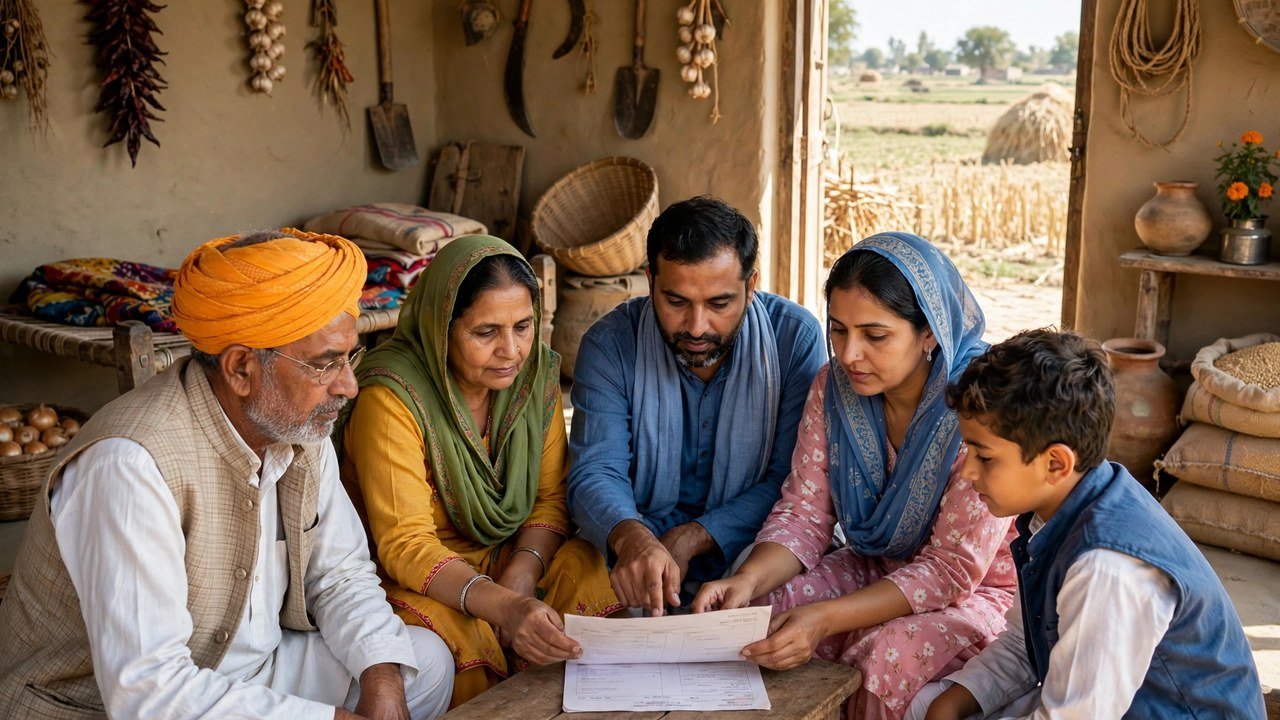
Putting the Right Word In: Five Moves
1. Reach the record. At meraparivar.haryana.gov.in, head for Citizen Corner and pick Update Family Details. Answer Yes with the family’s 8-digit ID, or No to search through the Head of Family’s Aadhaar.
2. Clear the code check. A one-time code is delivered to the mobile number PPP holds for the Head of Family. Key it in, and the family’s record opens in front of you.
3. Touch one line only. Find the member, and in that member’s entry replace the occupation with the work genuinely done now — farmer, labour, a job, or other work, in whatever wording the form offers. No income figure and no second member, not in this visit.
4. Interrogate the result. Before finishing, test the corrected line with one question: would an officer who read nothing else picture the work this member did last week? If the answer is no, put it right again while you are still here.
5. Seal it, then prove it. Print the form, sign it, and upload the signed copy — that upload is what completes a PPP update, as explained in the print, sign and upload step explained. Then reopen the member’s entry and read the occupation afresh. The corrected line, sitting in the stored record, is your evidence the change has been kept.
Should that line refuse to budge in self-service, the likeliest explanation is the one CRID gives: a field carrying the verified mark is closed to editing in this facility. Rather than wrestling the same screen, carry the request into the official Correction or Grievance channel, or present it at a counter, as below. What papers that channel wants are settled service by service in the official grievance guidance — bring what the form or the counter names, not a list guessed at home.
Saying It Across a Counter
Counters are not a lesser version of PPP; they are one of its two working modes. A CSC, a SARAL Kendra or a PPP Operator is authorised to work on the record together with you, and family information can likewise be updated or verified at an Atal Seva Kendra or a SARAL Kendra.
Arrive with the family’s 8-digit ID and the Head of Family’s Aadhaar and mobile, and compress the whole request into a single sentence: this member, this occupation wrong, this is the work actually done. Before you turn away from the desk, have that member’s line read back to you — on the screen and on the printed form both. Enrolment through the official channels is free of charge, and nobody outside this system holds any power over an occupation entry in your record, which is why the Head of Family code is never to be shared with a caller.
Source: Haryana Parivar Pehchan Authority / Mera Parivar portal, Government of Haryana (Update Family Details flow); Citizen Resource Information Department, Government of Haryana — About Parivar Pehchan Patra and PPP Services Grievance Redressal Help Guide v3.0; Haryana Legislative Assembly reply Starred Question No. 4 on PPP (income-verification data sources and Correction/Grievance mechanisms); and National Informatics Centre, Haryana (Government of India) official page on Parivar Pehchan Patra (October 2024).
Conclusion
One word, long shadow. The occupation against a name tells every future checker what kind of earnings stand behind that member’s income, and the State tests income against records drawn from working life — tax filings, service records, labour wages, procurement payments among them. Where farmer, labour or job no longer matches the work of today, the correction is deliberately small: one member, one line, changed inside Update Family Details, sealed with the signed upload, and confirmed by reading the entry once more. A verified line that will not move online has official doors of its own — Correction or Grievance, or the counters at a CSC, SARAL Kendra, Atal Seva Kendra, or through a PPP Operator.
FAQs
1. Our income figure in the Family ID is right, but the occupation is wrong. Is a separate correction really needed?
Yes. The two are read as a pair, and a wrong occupation steers later verification towards the wrong species of work-linked record. Treat the occupation as a one-field job in its own right, even when the income beside it needs no attention.
2. I gave up farming two years ago and now work for daily wages. Which occupation should the record show?
The work you do now. The entry should describe your present occupation — daily labour — rather than preserving the farming recorded at an older enrolment. Change only your own member entry, and complete the signed upload.
3. If I correct the occupation, does my verified income change along with it?
Not by itself, and not in this visit. The correction alters the occupation entry alone. A verified income figure that is itself wrong belongs to a separate Correction or Grievance matter — mixing the two repairs into one visit muddles both.
4. The occupation line will not change on the website. Where does the request go next?
A line shown as verified cannot be edited within the self-update facility. Send the request through the Correction or Grievance route for that entry, or make it at a CSC, a SARAL Kendra or through a PPP Operator, supplying the supporting document the service asks for.
5. Several members’ occupations look wrong. Can one visit fix them all?
Work member by member. Examine each entry on its own, and correct only the member whose recorded work fails to match the work actually done — rewriting entries that are already right manufactures fresh errors in place of old ones.
