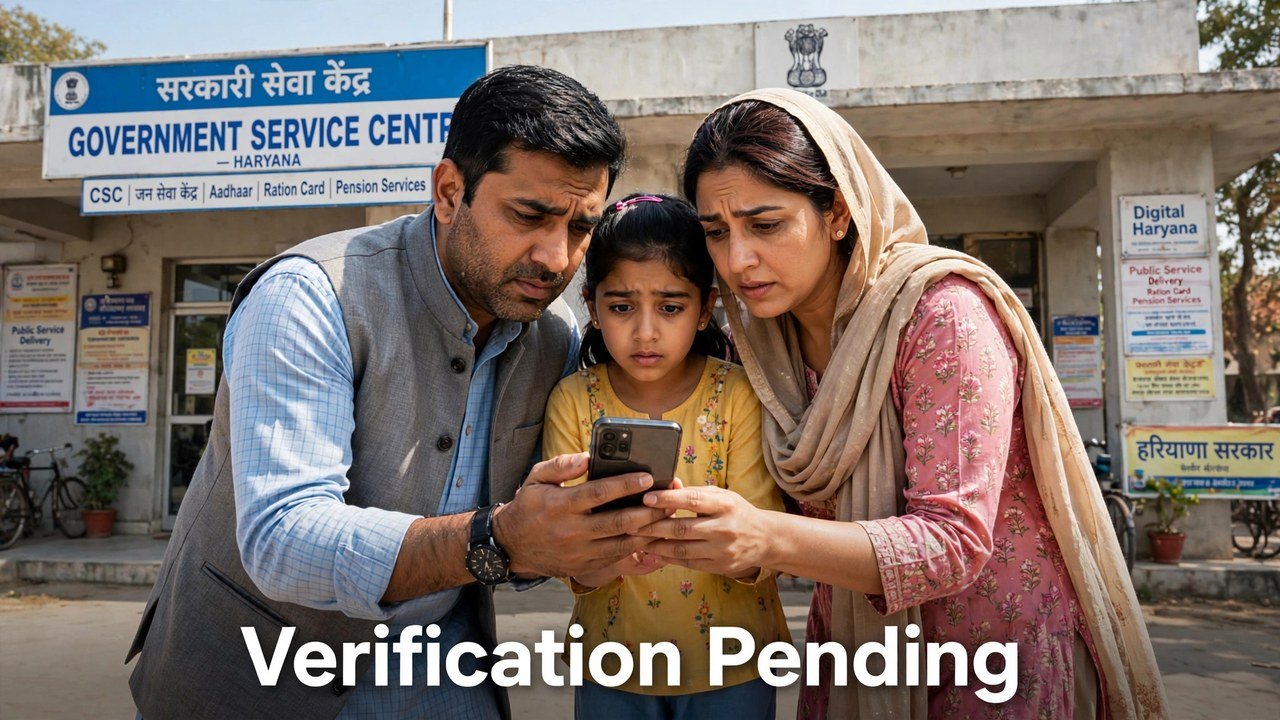
Family ID Verification Still Incomplete? What Happens Next and What You Should Do
If part of your Family ID still does not show as verified, the next step is usually not a new application. In PPP, verification is finished field by field: the system keeps checking the data a family has given, electronically and through field verification where that is needed, and a field is treated as verified only once its own check is complete. While a field is still unverified, you can correct it through the portal’s self-update route or with help at a CSC, SARAL Kendra or PPP operator. Once a field is marked verified, it can no longer be edited.
So an incomplete verification is a stage in the checking process, not a verdict on your whole Family ID. The sections below explain how that stage works and what is worth doing while you are in it.
Verification Finishes Field by Field, Not in One Stroke
A Family ID carries many separate pieces of information — names, dates of birth, income, occupation, address and more. The official PPP information for citizens describes verification as something PPP does continuously with the data a family provides, using various sources. Some fields are checked electronically against other records. Where an electronic check is not enough, field verification is used.
That design explains a pattern many families notice: most of the record can look settled while one or two fields still do not show as verified. The unfinished field is the one whose check has not closed yet. It does not mean the completed fields have failed, and it does not mean the family has to start again from the first step.
NIC Haryana’s official page gives the scale behind this: at the time of that page, over 76 lakh families were registered under PPP and more than 73 lakh had been verified through cross-checking — registration and completed verification are two different counts, and a gap between them is built into how the system works.
The Rule That Changes Once a Field Is Verified
The same official citizen information sets an important limit on editing:
- While a field is still unverified, the information can be edited — the citizen information says information can be edited any number of times, subject to the conditions that follow.
- Once verification of a field is completed, that field is treated as “Verified”, and verified fields cannot be edited.
- Separately, only a one-time change is allowed once the citizen signs and uploads the PPP document on the portal.
Read those three points together and the practical advice becomes clear: if you know a detail in an unverified field is wrong, correct it now, while that field can still be changed, instead of waiting until its verification closes on the wrong value.
Your Two Routes for Correcting an Unverified Detail
The official information names two update modes, and they suit different situations:
Self-Update Mode. On the Mera Parivar portal, use the “Update Family Details” tab. Enter your Family ID, and an OTP is sent to the mobile number of the Head of Family. Enter that OTP to authenticate yourself, then update the detail. This mode is only for updating an existing PPP ID — a new PPP ID cannot be created through it.
Assisted Mode. Go to your nearest CSC, SARAL Kendra or PPP Operator. The operator enters your Family ID and edits the information on your behalf. NIC Haryana also names the Atal Seva Kendra and SARAL Kendra as places where citizens can update or verify family information, which makes assisted mode the practical route if the Head of Family’s mobile number is not available for the OTP, or if the portal step is not working for you.
Whichever route you use, keep the change narrow: correct the field that is actually wrong, and leave verified fields and correct details untouched.
If the Field Still Unverified Is Your Income
Income has its own verification path, described in the Haryana Legislative Assembly reply on PPP. Self-declared income is verified through more than one method, including online data checks and Local Committees whose five members each assess the income independently.
If the income figure that emerges from that process is wrong, the reply names the designated online mechanisms for contesting it: Correction and Grievance. A challenge to income assessed by a Local Committee is pushed to a higher-level Sector Committee. Our earlier article on checking your PPP status explains how to read whether income shows as verified or still pending, so this article does not repeat that walkthrough here.
What Not to Do While Verification Is Incomplete
First, do not create a second Family ID to escape the wait. The self-update module does not create new IDs, and a duplicate record creates a separate problem of its own.
Second, do not pay anyone who promises to get a field marked verified faster. Verification is done by the system electronically or through field verification where necessary; no outside person is named in the official process as someone who can close it for a fee.
Third, do not keep re-editing a field that is already shown as verified and then wonder why the change does not save — the official rule is that verified fields cannot be edited.
Fourth, do not share the Head of Family OTP with a stranger. In self-update mode that OTP is the authentication step for your own family’s record.
Source: Mera Parivar / PPP portal official citizen information (Parivar Pehchan Patra, Government of Haryana); National Informatics Centre (NIC) Haryana, Government of India — official page on Parivar Pehchan Patra (Informatics, October 2024); and Haryana Legislative Assembly reply on Parivar Pehchan Patra, Starred Question No. 4 (February 2023).
Also read: how to check income in Family ID online | verify your income in the Gram Sabha
Conclusion
An incomplete Family ID verification means some fields have not finished their checks yet — PPP verifies family data continuously, electronically and by field verification where needed, and each field becomes locked as “Verified” only when its own check completes. Use that window properly: correct any wrong unverified detail through self-update on the Mera Parivar portal or in assisted mode at a CSC, SARAL Kendra or PPP operator, remember the one-time-change limit after you sign and upload the PPP document, and use Correction or Grievance only where the finished income figure itself is in dispute.
FAQs
1. My Family ID exists but one detail still does not show as verified. Is my ID invalid?
No. Registration and verification are separate stages — NIC Haryana’s own figures show registered families ahead of verified ones. A field is treated as verified only once its check is completed.
2. Can I edit a field after it has been marked verified?
No. The official citizen information states that fields which are already verified in PPP cannot be edited.
3. How many times can I change information that is not yet verified?
The citizen information says information can be edited any number of times, subject to the verification rule above and to the limit that only a one-time change is allowed once the citizen signs and uploads the PPP document on the portal.
4. I do not have the Head of Family’s mobile for the OTP. How can I update a detail?
Use assisted mode: the nearest CSC, SARAL Kendra or PPP Operator can enter your Family ID and edit the information on your behalf. Self-update mode needs the OTP sent to the Head of Family’s mobile number.
5. Can I make a fresh Family ID through the self-update module instead of waiting?
No. The official information states that creation of a new PPP ID through the self-update mode is not available; that module is only for updating an existing PPP ID.
