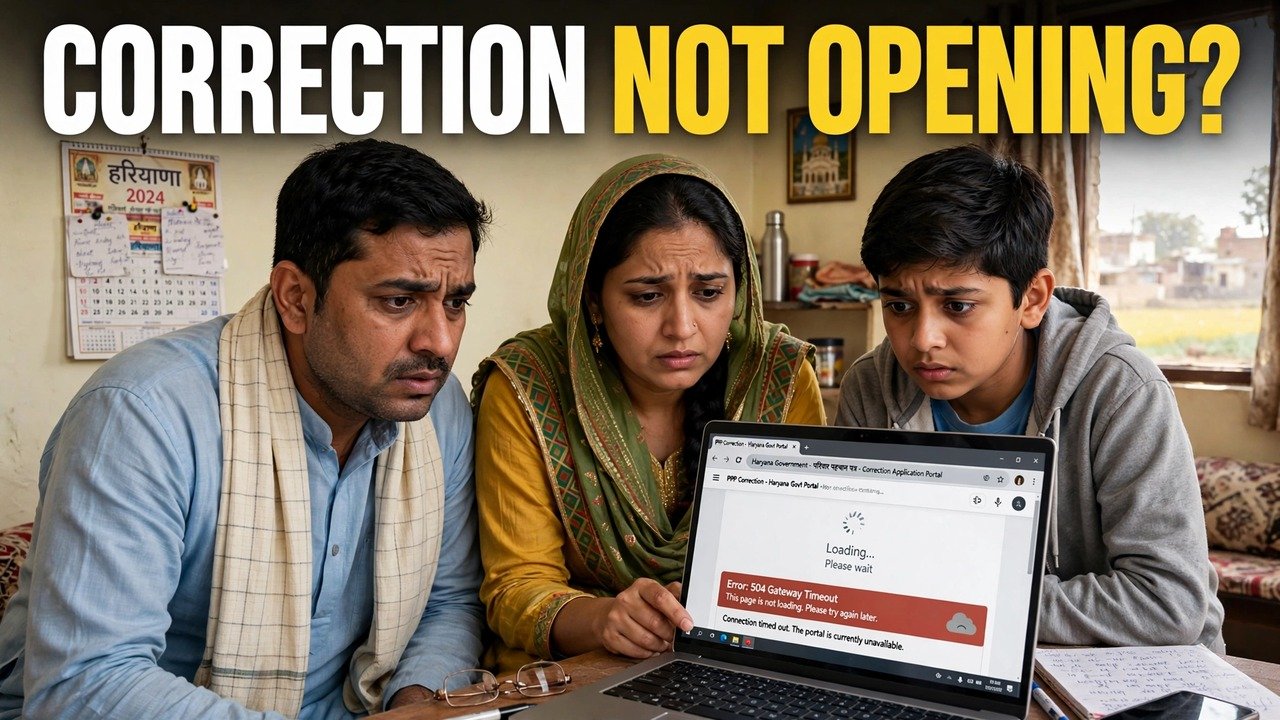
Family ID Correction Module Not Opening? Steps That Can Help
A correction that never starts can feel like a correction refused. It is not the same thing. When the Family ID correction page will not load, nothing has been decided about your record — you have simply not got through the door yet. Treat this page as a fault-finder: match what your screen is doing to the symptoms below, and the match points to the official route that applies to you.
One fact frames everything that follows. For PPP work there is a single official portal, and every other official channel runs through a government counter — never through a different link.
Read the Screen: Four Symptoms, Four Meanings
You reached the portal, chose Update Family Details, entered your details — and the family record never appeared. The visit has stalled at the door. In the official flow the record is displayed only once the one-time code sent to the Head of Family’s registered mobile has been keyed in, so a halt at or before that code stage is an access failure, nothing more serious.
The record opened, your family is on screen, but the one field you came to fix will not accept typing. That field most likely already stands verified. CRID’s description of the self-update facility says a verified field is closed to editing there. Pressing on will not loosen it; the request belongs in the Correction or Grievance channel, or at a counter.
A search result, a forwarded message or a helpful stranger offers a different corrections website — perhaps for a small payment. That is not part of PPP. Haryana’s system has exactly one portal for this work, and its only other doors are government counters. A paid link is a warning sign, not a shortcut.
You honestly cannot say where the attempt broke down. That is a fixable gap too — and the next section fills it before you try again.
Jot Down the Breakdown Point First
Guesswork helps nobody, least of all the operator who will later try to assist you. Before a second attempt, or a trip to a centre, put three plain facts on paper: how far the screens let you travel (the portal home page, Update Family Details, the ID or Aadhaar search, the code screen); what they did when they stopped (no record appeared, no code screen arrived, or the record opened but the field stayed locked); and which 8-digit Family ID and Head of Family mobile number you were working with. The code itself stays out of the note and out of every conversation — it is never to be handed to another person.
Why bother? Because the two failures above wear the same face from your side of the screen, while the official answers to them are entirely different. Your note is what separates them.

Work Through the Checks in This Order
Check one — the doorway itself. Type the portal address into the browser yourself: meraparivar.haryana.gov.in. Once inside, the path runs through Citizen Corner to Update Family Details. If a so-called correction link reached you by message or sits on an unrelated page, leave it alone and start again from the typed address.
Check two — one careful pass through the gate. At the choice offered, pick Yes to key in the family’s 8-digit ID, or No to look the family up through the Head of Family’s Aadhaar. Go slowly, then enter the code delivered to the Head of Family mobile held in the record. When the record appears, the access trouble is over: make the correction you came for, and close it out with the printed form, signed and uploaded. The reason that upload finishes an update is set out in the print, sign and upload step explained.
Check three — a record that will not appear means stop, not repeat. If the family still does not come up, further identical attempts add nothing. Carry your note to the assisted counters described below, where an operator opens the record alongside you. A blocked self-service attempt does not block the correction itself.
Check four — a record that opens with a locked field means change channel, not force. Put the request for that single detail into the designated Correction or Grievance mechanism, or hand the same request in at a counter, rather than trying to bully a verified field into editing. This article corrects no field itself; if the locked field happens to be your income figure, the walkthrough that uses that channel is how to apply for income correction online.
When the Screen Keeps Refusing: The Counter Is the Fallback
None of this makes you a failed user of the portal. Working through a counter is one of the modes PPP was built with from the start: staff at a CSC, a SARAL Kendra or a PPP Operator can open the record and work on it together with you, and NIC Haryana’s page on the scheme adds that family information can be updated or verified at the nearest Atal Seva Kendra or SARAL Kendra as well.
Go equipped: the family’s 8-digit ID, the Head of Family’s Aadhaar and mobile, and your note. Lead with the note — one sentence about the page not opening and the exact point where it stops — and only then name the correction you need. While the operator has the record open, read it on the screen yourself; if a change is made, leave only after it has been completed with the signed upload. Two protections travel with you: enrolment through these official channels costs nothing, and your record cannot be opened by anyone outside this system — which is why the Head of Family code is never to be read out to a caller, and why nobody should ever be paid for a link to an alternative correction portal.
Source: Haryana Parivar Pehchan Authority / Mera Parivar portal, Government of Haryana (Update Family Details flow); Citizen Resource Information Department, Government of Haryana — About Parivar Pehchan Patra and PPP Services Grievance Redressal Help Guide v3.0; Haryana Legislative Assembly reply on PPP (Correction and Grievance mechanisms); and National Informatics Centre, Haryana (Government of India) official page on Parivar Pehchan Patra (October 2024).
Conclusion
A module that will not open has not judged your correction; it has only interrupted your journey to it. Sort the interruption first: was the record never reached, or was it reached with the needed field standing verified? The first sorts itself out by entering once more — carefully, through the typed official address — or by having the record opened beside you at a CSC, SARAL Kendra, Atal Seva Kendra or PPP Operator counter. The second belongs to Correction or Grievance. Either way, the road stays inside the official system from the first click to the final signature.
FAQs
1. This module stays shut — is there a second official corrections site I can switch to?
There is not. The Mera Parivar portal at meraparivar.haryana.gov.in, entered through Citizen Corner and Update Family Details, is the only website for this work. When self-service cannot open your record, the remaining official door is an assisted counter — a CSC, SARAL Kendra, Atal Seva Kendra or PPP Operator — not another site, mirror or app.
2. My family opens on screen, yet the detail I need is unchangeable. Is that the same fault?
No — same frustration, different fault, different answer. A detail carrying the verified mark cannot be edited inside the self-update facility. That request goes through the official Correction or Grievance route, or is made at an assisted counter, instead of being retried on the edit screen.
3. The code screen never showed up at all. What should I have ready before visiting a centre?
Your short note: the step you reached, whether you searched by Family ID or Aadhaar, and the Head of Family mobile held in the record. Carry that note plus the 8-digit Family ID and the Head of Family’s Aadhaar and mobile. And keep any code to yourself — the counter operator works with you in person and never needs it from a phone call.
4. Does a SARAL Kendra or CSC charge for getting our record opened?
Enrolment through the official PPP channels carries no fee, and assisted updating at a CSC, SARAL Kendra or through a PPP Operator is an official mode of the same system. Anyone demanding payment for an alternative correction link or portal is selling something that is not an official PPP route — do not pay.
5. At the counter the module finally opens. Is my correction complete on the spot?
Only once the whole update is carried through. Read the record on screen with the operator, make the one correction you came for, finish with the printed, signed and uploaded form, and re-read the corrected detail before you walk away.
