Documents Required for Income Correction in Family ID: Keep These Ready Before Applying
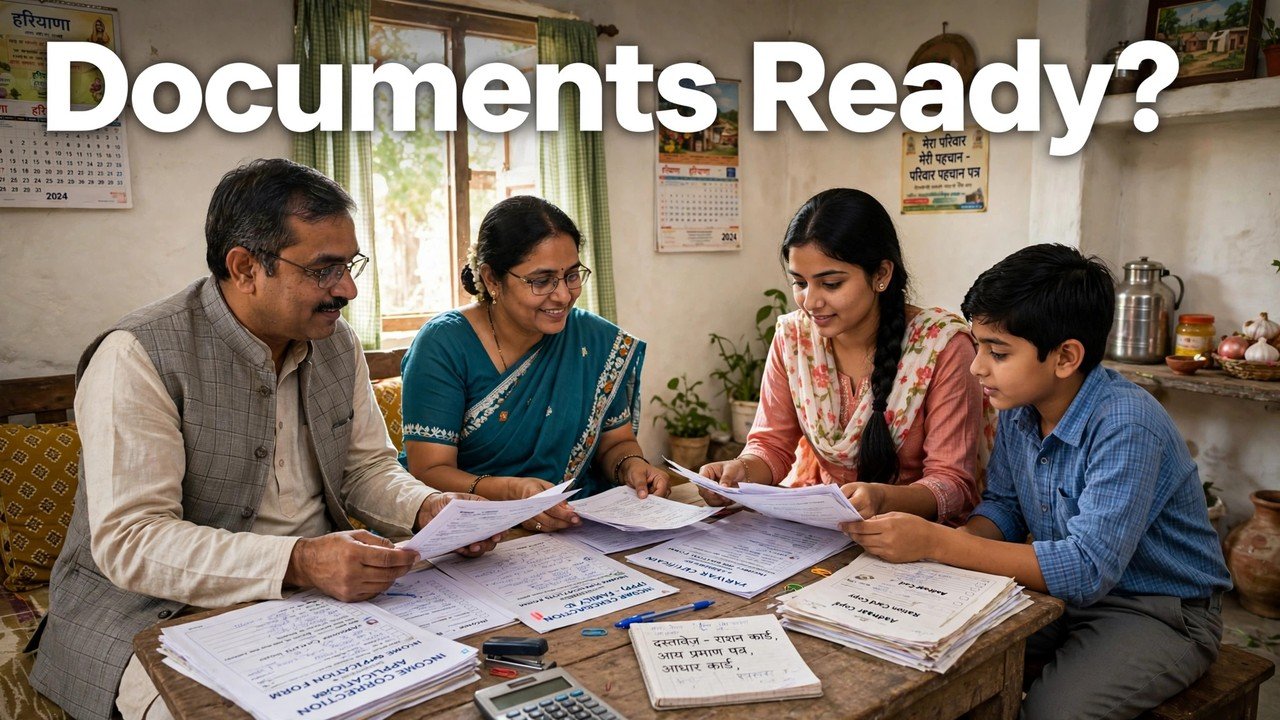
Before you apply for an income correction in your Family ID, keep three small packets ready — not one large bundle. Packet one gets you into the case: your Family ID or Aadhaar ID and the registered Head of Family mobile for the OTP. Packet two proves what you are disputing: a clear copy of your PPP record showing the income now stored. Packet three supports the income you say is correct: the service-wise supportive documents for the earning member concerned, as listed on the Correction or Grievance service you select. With those three packets ready, the filing can be finished in one sitting.
Gathering papers after you have opened the form is where most applications stall.
Packet One: What Lets You Enter and Validate the Case
An income case cannot start without validation, so this packet comes first even though it contains no income proof at all.
Keep your 8-digit Family ID number written down, or the Aadhaar ID you will use to validate instead. Keep the mobile phone registered for the Head of Family with you and switched on, because the grievance flow sends an OTP to that number. If you plan to use the self-update route at home, that same phone is what authenticates you; if you plan to file with help, carry the same details to a CSC, SARAL Kendra or PPP Operator for assisted filing.
Alongside those, keep the family’s basic identity papers within reach — Aadhaar for the members concerned, Voter ID for members above 18 where available, PAN if available, and a BPL card if your family holds one. The official PPP citizen guidance lists these among the documents citizens bring for PPP work. You may not be asked for every one of them in an income case, but having them ready prevents a validation or identity question from stopping the filing halfway.
Packet Two: A Readable Copy of the Record as It Stands Today
The second packet is a single item, and it is the one families most often forget: the record itself.
Print or save your PPP family details exactly as they appear today, with the annual income line visible. Check that the family name, the Family ID number and the income figure can all be read without zooming and guessing. Note beside it, in your own handwriting if it helps, two figures — the annual income shown, and the annual income you will claim is correct.
This copy does two jobs. While filing, it stops you from quoting a remembered figure that differs from the stored figure. After filing, it is your baseline: if the record is later corrected, this is the before-picture that shows what changed. A case about a wrong number should always begin by preserving that number.

Packet Three: Supportive Documents for the Earning Member
This is the packet that needs judgement, because there is no single fixed list that covers every income correction.
The official CRID grievance guide works service by service. After validation and service selection, the screen for that service defines the information and the supportive documents to provide. An income case filed under a pension service is therefore worded — and documented — for that service, and an income case affecting another benefit follows that service’s list. The list on your selected service screen is the list to follow.
Prepare this packet around one member at a time:
- Start with the member whose earnings were recorded wrongly, not with papers for the whole household.
- For that member, keep the supportive documents the service screen names, covering the same earning source and the same period the dispute is about.
- Check that the name on each paper matches the name in the Family ID record. If a spelling differs, keep a note of it ready to explain rather than leaving the reviewer to discover it.
- Keep copies readable end to end. A cropped or blurred upload that hides the amount or the name does not support the figure you are claiming.
If you cannot work out which earning source pushed the stored income up, do not assemble papers at random and do not invent an explanation. Take packets one and two for assisted help first, and let the service screen — or the counter — identify the documents that service actually requires.
One More Paper for Updates: The Signed PPP Document
Families who update PPP details, rather than only filing a grievance, meet one further document rule. The official PPP guidance makes uploading the signed document — signed by a member of the family — mandatory to complete a PPP updation.
Keep that in mind while preparing. A correction prepared as an update is not finished when the fields are typed; it is finished when the signed document is uploaded. The citizen information also allows only a one-time change once that sign-and-upload step is done, and a field whose verification is complete cannot be edited directly at all. Prepare the full packet first, check every figure once, and only then sign and upload — a verified income that still needs contesting belongs in Correction or Grievance, not in repeated edits.
A Two-Minute Readiness Check Before You Submit
Run through this short check with the three packets open in front of you:
- Can you validate immediately — Family ID or Aadhaar ID in hand, and the Head of Family mobile receiving OTPs?
- Does packet two show the stored annual income clearly, with your claimed annual income noted beside it?
- Does every paper in packet three belong to the earning member and the service you are about to select?
- Is every name spelled the same way in the papers as in the PPP record — or noted where it is not?
- Are all copies complete and readable, including amounts and dates?
A “no” on any line is a reason to pause and complete that packet, not a reason to submit and hope. Submitting once, completely, also avoids a second case for the same figure while the first is still pending.
After submission, add one last item to the folder: the ticket ID the system generates, together with the confirmation SMS showing its date, time and tracking ID. From that moment, those two references — not memory — are how the case is followed through Add/view Grievance. The official sources do not state a fixed decision time for an income case, and where a Local Committee assessed the income, the Assembly reply says the challenge is routed to a higher Sector Committee.
Source: Mera Parivar / PPP portal official citizen information and PPP FAQ, Government of Haryana; Citizen Resource Information Department, Government of Haryana — PPP Services Grievance Redressal Help Guide (Version 3.0); and Haryana Legislative Assembly reply on Parivar Pehchan Patra, Starred Question No. 4 (February 2023).
Also read: income above Rs 1.80 lakh showing by mistake in PPP
Conclusion
Documents for an income correction are best prepared as three packets with three different jobs: validation papers that let you enter the case, a clear copy of today’s PPP record that fixes the figure in dispute, and service-wise supportive documents matched to the one earning member concerned. Add the signed PPP document where an update requires it, run the two-minute readiness check, and keep the ticket ID and confirmation SMS with the same folder after filing. A family that applies with the packets complete gives the reviewer everything in one pass — and gives itself a clean record of the case from the first day.
FAQs
1. Is there a single official document list for every Family ID income correction?
No. Under the CRID grievance guide, documents are defined service by service: after you validate and select a service, that service’s screen sets out the information and supportive documents for the case. Always prepare packet three from that screen’s list, not from a general list copied from another benefit.
2. Do I need income papers for every member of the family?
Build the supportive packet around the member whose earnings were recorded wrongly. Papers for members whose income is not in dispute do not answer the question the reviewer has to decide. Keep the family record copy with the packet so the family total can still be understood.
3. Which document should I prepare first, before any income proof?
The PPP record copy. Note the annual income exactly as stored today, with your Family ID number and family name readable on the same copy. Every figure you enter while filing — shown income and claimed income — should be taken from that copy, not from memory.
4. A document named on the service screen is not available with me. Can I upload a different paper instead?
Do not assume a substitute will be accepted. The guide ties the supportive documents to the selected service, so take the Family ID and your prepared packets for assisted help at a CSC, SARAL Kendra or through a PPP Operator and ask how that service treats the missing paper before you submit.
5. Why do I need the Head of Family mobile if I already have all the papers?
Because validation comes before documents. The grievance flow validates the citizen with a PPP ID or Aadhaar ID and an OTP sent to the registered or Head of Family mobile, and the confirmation SMS with the ticket details is also sent by the system. Without that phone, even a complete document folder cannot be filed or tracked properly.
