Bank Account Details Wrong in Family ID? How to Correct Them for Pension Payments
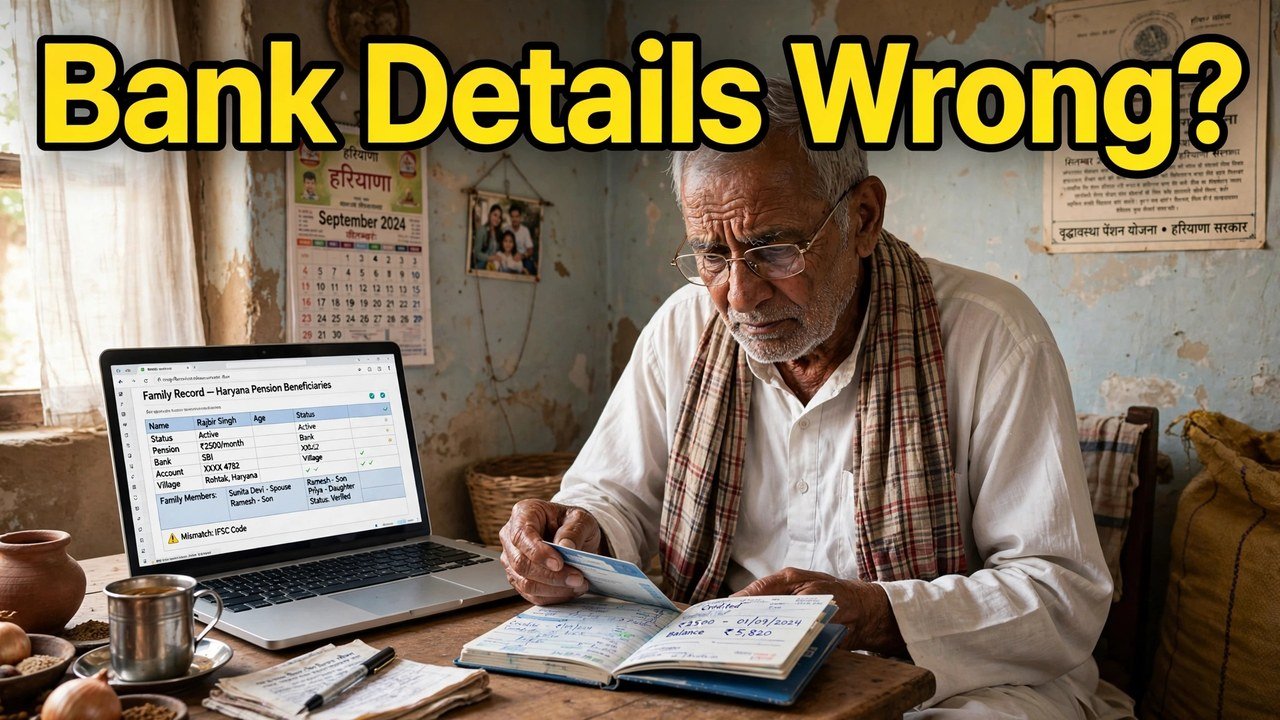
The pension was sanctioned. The paperwork is in order. Yet month after month, the money simply does not land in the bank — and nobody can tell the family why. In cases like that, the trail often ends at one quiet culprit: the bank account details saved inside the Family ID. Money is released towards whatever account the record carries, so one transposed digit, an IFSC from the wrong branch, or an account standing in a mismatched name can send a payment nowhere useful. Before chasing anything else, open Update Family Details on the official Mera Parivar portal, sign in using your 8-digit Family ID and the OTP delivered to the Head of Family’s mobile, and bring that member’s bank entry into line with the passbook.
Notice the nature of this failure: nothing looks broken. The entry appears filled and complete. Only the absent payment gives it away.
Three Matches to Check Before Anything Else
A payment system does not know your family; it knows three strings of characters. Set the passbook next to what PPP displays and test each of the three.
Match one — the account number. Read the passbook number aloud in small groups and compare it against the number in the record, group by group. A single digit typed out of place is invisible to the eye but fatal to a transfer.
Match two — the IFSC. The code must belong to the very branch where the account is actually held. Families often keep an older IFSC in the record after the account’s branch details have moved on, and a code pointing at a different branch can leave the instruction without a valid destination.
Match three — the name. The official PPP documents list is explicit on this point: the name of the account holder and the name of the family member in PPP must be the same. If the bank knows the member by one spelling and PPP by another, the two records disagree about whose account it is.
If all three match and the account is open and in use, the bank entry is not your problem. If any one of them differs, you have found a bank-detail error — and bank-detail errors are repaired with a bank-detail correction, not with a fresh application for anything. This article deliberately goes no further than that: who qualifies for a pension, and for how much, are separate subjects it does not touch.
Wrong Bank Record, or Wrong PPP Entry? Decide First
A mismatch has two sides, and correcting the wrong side creates a second mismatch.
If the passbook itself is outdated — say the bank replaced the account after a branch merger, or the family quietly moved its banking elsewhere last year — then the bank side is what has moved. Use the details from the current passbook or statement, the account that is open today. Pointing PPP at an account that no longer exists only reproduces the failure in tidier handwriting.
If the passbook is current and correct, and the PPP entry is the one that drifted — digits mistyped at enrolment, an old IFSC never refreshed — then PPP is the side to repair, and the rest of this article is that repair.
One more possibility sits underneath both: the member’s name itself may be recorded differently in PPP from how the bank holds it. That is a name correction, a job of its own. Do not try to solve it inside a bank-detail visit; mixed corrections are how one fix quietly breaks another field.
Correcting the Bank Entry on the Portal
With the current passbook open in front of you, the portal work itself is short.
Head to meraparivar.haryana.gov.in and enter through Citizen Corner into Update Family Details. Say Yes and give the 8-digit Family ID — or say No and find the family through the Head of Family’s Aadhaar. The one-time password goes to the Head of Family mobile number stored in PPP; entering it brings the family record up.
Now narrow your attention to a single member’s bank details and nothing more. Overwrite the stored account number, IFSC and account-holder name with the values printed in the passbook. Resist improving anything else on the screen during this visit.
Before finishing, run the three matches from the section above one final time against what you have just typed: number in groups, IFSC character by character, name against the member’s PPP name. Then close the correction out: print the form, sign it, and upload the signed copy. That signed upload is the act that completes a PPP change — the reasoning behind it is the print, sign and upload step explained.
Afterwards, open the record once more and look at the bank entry as a stranger would. If it matches the passbook in all three respects, the correction is stored.
It may happen that the bank field simply will not accept an edit online. That behaviour has an official explanation in CRID’s account of the system: a field that has already been verified can no longer be edited within the self-update flow. Rather than fighting the screen, shift to the official Correction or Grievance route for the bank details, or carry the request to an assisted counter. The layout of that route is described in how to apply for income correction online.
At the Counter, Passbook Open on the Desk
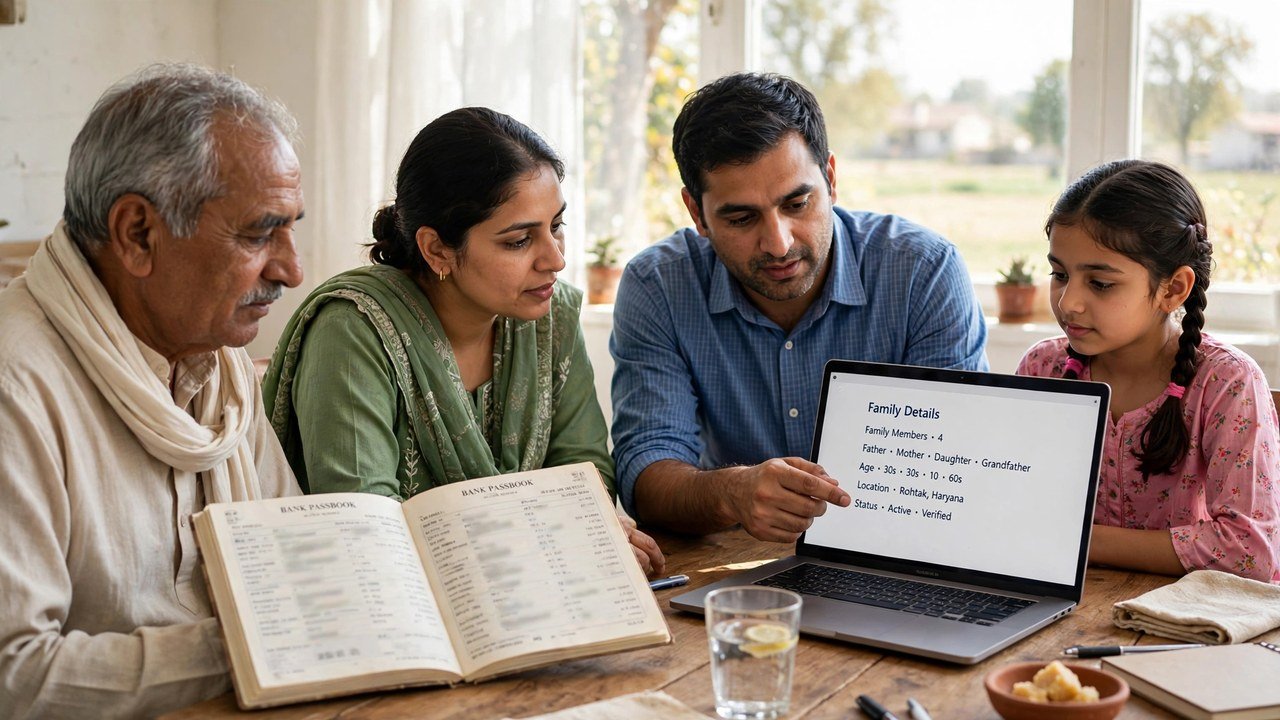
There is a practical argument for doing this particular correction with help: an operator can read the passbook with you, digit by digit, before anything is saved. Assisted updating is a recognised part of PPP — a CSC, SARAL Kendra or PPP Operator can work on the record with the family, and updating or verifying family information is also possible at an Atal Seva Kendra or SARAL Kendra.
Bring the family’s 8-digit Family ID, the Head of Family Aadhaar and mobile, and the passbook or statement of the account that should receive the money. Describe the job in a single sentence: in our Family ID, correct only this member’s bank account details so they match this passbook. Do not leave until the account number and IFSC have been read back to you from the screen and from the printed form, slowly and in groups, and you have confirmed the holder’s name agrees with the member’s name in PPP. Enrolment through official channels carries no fee — and whatever you do, never reveal the Head of Family OTP, a bank PIN or any banking password to someone who calls you.
Source: Haryana Parivar Pehchan Authority / Mera Parivar portal, Government of Haryana (Update Family Details flow and PPP FAQ documents list); Citizen Resource Information Department, Government of Haryana — About Parivar Pehchan Patra and PPP Services Grievance Redressal Help Guide v3.0; and National Informatics Centre, Haryana (Government of India) official page on Parivar Pehchan Patra (October 2024).
Conclusion
A sanctioned pension and a received pension are two different events, and the bank entry inside the Family ID is the bridge between them. When the account number, IFSC or holder name on record is wrong, the money is aimed at the wrong place — or at no place. Test the three matches against the current passbook, work out which side of the mismatch is actually wrong, correct only that member’s bank details through Update Family Details, and finish with the signed upload before re-reading the stored entry. If the verified bank field resists editing online, the Correction/Grievance route — or a CSC, SARAL Kendra, Atal Seva Kendra or PPP Operator counter, passbook in hand — is the official road onward.
FAQs
1. The pension shows approved, yet nothing reaches our bank. Where should we look first?
At the bank details inside the Family ID. Since payment follows the account stored on record, even a small error there — one digit astray, an IFSC from another branch, an account that has since closed — can hold money back while the approval itself stays perfectly valid. Lay the current passbook beside the PPP entry and compare the two.
2. My mother’s bank account carries her name, but Family ID spells that name differently. Is that a real obstacle?
It can be, yes. The official PPP documents list states that the account holder’s name and the family member’s name in PPP must be the same. Where they diverge, treat the name itself as a separate correction to be handled on its own, rather than folding it into a bank-detail change.
3. We shifted to a different bank a year ago. Must Family ID be told?
If PPP still holds the old account, yes. The record never updates itself when your banking changes. Enter the new, open account exactly as the latest passbook or statement shows it, and afterward reopen the record to confirm the fresh entry is what got stored.
4. Is a visit to a centre unavoidable for fixing bank details?
Not usually. Self-service through Update Family Details, unlocked by the Head of Family OTP, handles it for most families. Should the bank field already stand verified and refuse to edit, the Correction/Grievance route — or assisted help at a CSC, SARAL Kendra or through a PPP Operator, passbook in hand — takes over.
5. The details were corrected online, but the signing-and-upload step was skipped. Are we done?
You are not. In the official flow, the change counts as completed only after the form is printed, signed and the signed copy uploaded — and once that upload is made, only a one-time change is allowed, so the account number and IFSC deserve a careful final check before you commit. Finish the upload, then reopen the record and read the whole bank entry once more.
