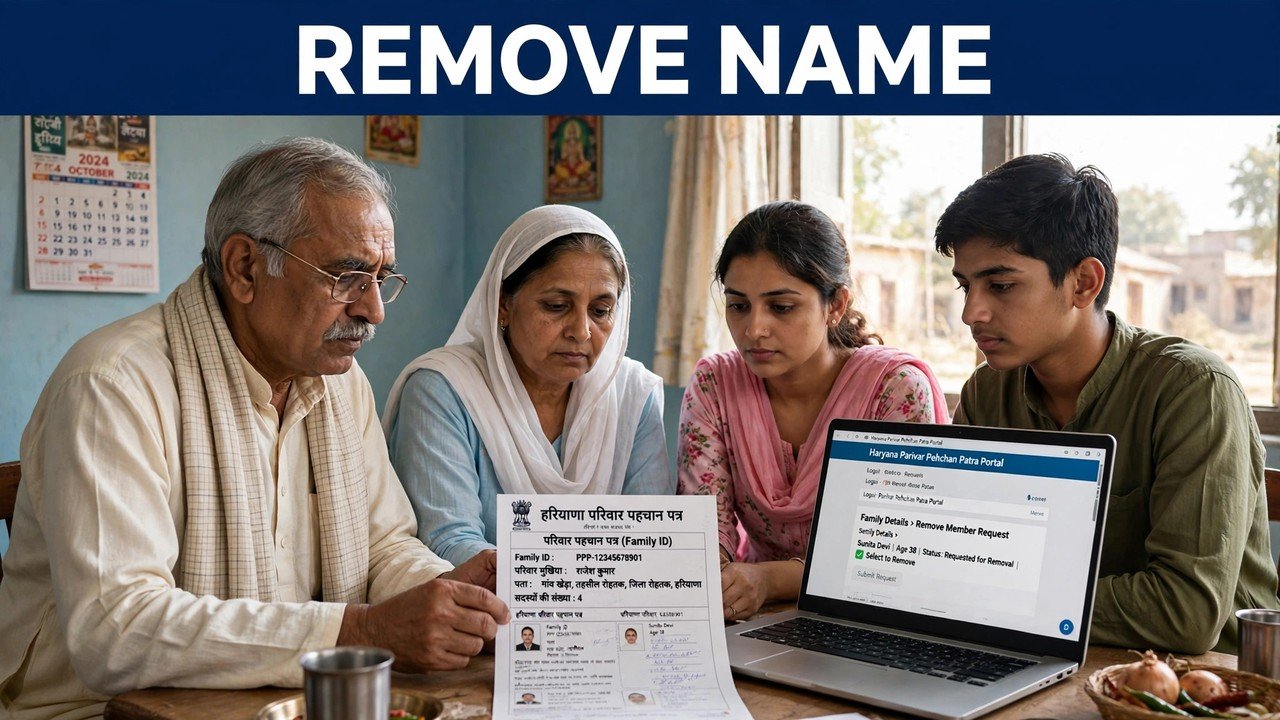
Family Member Died: How to Remove the Name From Family ID and the Death Certificate Rule
When a family member dies, their name should be removed from the family’s Family ID so the record shows the household as it now is. Start on the official Mera Parivar portal: open Update Family Details, sign in with your 8-digit Family ID and the OTP sent to the Head of Family mobile, and check the member list first — PPP records are updated for deaths, so the name may already have been removed. If it is still there, apply for the member’s removal in that same family record, keep the death certificate ready as the supporting document for the death, and complete the update with the printed, signed and uploaded form. If the online route is not clear for your case, Delete Member is a recognised PPP grievance type, and a CSC or SARAL Kendra can do the same job with you.
There is no hurry measured in days in any official source, but there is a reason not to leave it forever: schemes and counts read the member list as it stands, so a name that stays on the record keeps the family’s picture wrong.
Look at the List Before You Apply for Anything
Death is one of the life events PPP was designed to record. The official description says the Family ID is linked to birth, death and marriage records, and NIC Haryana describes the system as updating records for life events such as deaths.
So the first step costs nothing and may be the only step needed. Open your family record through Update Family Details — Yes with the 8-digit Family ID, or No with the Head of Family Aadhaar search — enter the OTP that goes to the Head of Family mobile stored in PPP, and read the member list that appears.
If the deceased member’s name is already gone, note the date you checked and stop; there is nothing to remove. If the name is still listed, continue with the removal below, and copy the name and date of birth exactly as they appear on screen — those spellings are what your application needs to match.
The Death Certificate: What the Official Position Actually Is
Families ask whether a death certificate is compulsory for this removal. The honest answer, from the official material, is in two parts.
First, a death is proved by its registration record. The death certificate is the document that records the death — the name, the date and the place — in the same way a birth certificate records a birth. If the death has not yet been registered, complete that registration first; trying to remove a name without it leaves you asking the record to change on your word alone.
Second, the official PPP grievance flow works on supporting documents. In the CRID grievance guide, the steps for a service such as Delete Member are to provide the information defined for that service and the supportive documents defined for it, then submit — a ticket id is generated and an SMS confirms it. For a removal after death, the death certificate is that supporting document: keep the original and a clear copy ready, and provide it where the form, the grievance or the counter asks for it.
What no official source checked for this article states is a separate, special death-certificate rule for Family ID — no different format, no fee and no fixed number of days is named. This article does not invent one. Keep the certificate ready, and the requirement you will actually meet is covered.
Removing the Name Through Your Family Record
Step 1 — Open Update Family Details. Go to meraparivar.haryana.gov.in, open Citizen Corner and choose Update Family Details.
Step 2 — Open your own family’s record. Choose Yes and enter your 8-digit Family ID, or choose No and search by the Head of Family Aadhaar. The OTP is sent to the Head of Family mobile stored in PPP; enter it to see the member list.
Step 3 — Select the deceased member’s entry. Use the entry against that member’s name and apply the removal shown for that member, giving death as the reason where the form asks. Enter the details exactly as they appear in the list and as they appear on the death certificate — a mismatch between the two is the most common reason this kind of application stalls.
Step 4 — Print, sign and upload. Print the form, get it signed by a member of the family, and upload a clear scan or photo of the signed copy. That signed upload is what completes an update in PPP — why it is required is explained in the print, sign and upload guide.
Step 5 — Check the list again. Re-open the member list and confirm the name no longer appears. That changed list, not the form you submitted, is the proof the removal is on record.
If the self-service screen does not show a clear removal route for your case, do not edit another member’s details as a workaround. Use the PPP Grievance route instead — Delete Member is a recognised service type in the official CRID guide, with the death certificate as the supporting document and a ticket id for tracking — or take the same request to an assisted counter.
Two Situations That Are Not This Process
If the person who died was the Head of Family. This article’s steps run through the Head of Family OTP, so that case cannot be handled the same way at home. Take it to a CSC, SARAL Kendra or PPP Operator, or an Atal Seva Kendra, with the death certificate and the family’s Aadhaar details, and let the assisted route settle both the headship and the member list together. Do not try to use the deceased head’s OTP arrangements through another person’s handset.
If no member of the family remains. Removing one name from a continuing family is different from closing a Family ID altogether. Under the HPPA Deactivation Regulations, 2024, a Parivar Pehchan Number may be deactivated where no member of the family is alive, or where the Head of Family requests deactivation in writing to the Chief Executive Officer. That whole-ID deactivation is a separate matter from this removal process — the deactivation rules are explained on this site.
At a Counter, If Home Access Is Difficult
Assisted mode is an official part of PPP, and a bereavement is a reasonable time to use it. A CSC, SARAL Kendra or PPP Operator can work on your record on your behalf, and family information can also be updated or verified at an Atal Seva Kendra or SARAL Kendra.
Take the family’s 8-digit Family ID, the Head of Family Aadhaar and mobile, and the death certificate, and state the request in one line — remove the name of our family member who has died from our Family ID. Read the remaining member list on the screen or the printed form before you leave, and keep the ticket id or signed copy with the death certificate. Enrolment through the official channels carries no fee, and nobody outside this system can remove a member from your PPP record — never share the Head of Family OTP with a caller.
Source: Haryana Parivar Pehchan Authority / Mera Parivar portal, Government of Haryana (Update Family Details flow); Citizen Resource Information Department, Government of Haryana — About Parivar Pehchan Patra and PPP Services Grievance Redressal Help Guide v3.0 (Delete Member service type and service-wise supporting documents); Haryana Parivar Pehchan Authority (Deactivation of Parivar Pehchan Numbers) Regulations, 2024; and National Informatics Centre, Haryana (Government of India) official page on Parivar Pehchan Patra (October 2024).
Conclusion
Removing a deceased member’s name is a single, quiet update to a continuing family’s record: check the member list first, because a registered death may already have been reflected; if the name is still there, apply through Update Family Details with the details matching the death certificate exactly, keep that certificate ready as the supporting document the official process asks for, and finish with the signed upload. If the route is unclear online, the Delete Member grievance or a CSC, SARAL Kendra or PPP Operator counter will do the same job — and a final look at the member list, showing only the living members of the household, is how you know it is done.
FAQs
1. The death was registered some time ago. Why is the name still in our Family ID?
PPP is linked to death records and does update for deaths, but a link is not a guarantee that every record has already changed. Open Update Family Details and read the member list; if the name is still there, apply for the removal yourself through that record or through the Delete Member grievance, with the death certificate ready.
2. Is a death certificate compulsory to remove a name from the Family ID?
Keep it ready and expect to provide it. The official CRID grievance flow for a service like Delete Member asks for the supportive documents defined for that service, and for a death the death certificate is the document that proves and records it. No official source checked names a separate special format, fee or deadline for it, and this article does not claim one.
3. The death has not been registered yet. Can I remove the name first?
Complete the death registration first. The certificate from that registration is the supporting document for the removal, and its name and date details are what your Family ID application should match. Applying before it exists usually means applying twice.
4. The member who died was our Head of Family. What should we do?
Use the assisted route — a CSC, SARAL Kendra or PPP Operator, or an Atal Seva Kendra — with the death certificate and the family’s details. The self-service steps depend on the Head of Family OTP, so the counter should settle the headship and the member list together rather than the family trying to work around it at home.
5. A living member of our family has been marked as dead by mistake. Is this the same process in reverse?
No — do not use a removal process for that. Wrongly marked as dead is its own recognised grievance type in the official CRID guide (listed, for example, under Old Age Pension). Raise that grievance for the affected member so the record is corrected to show the person as living.
