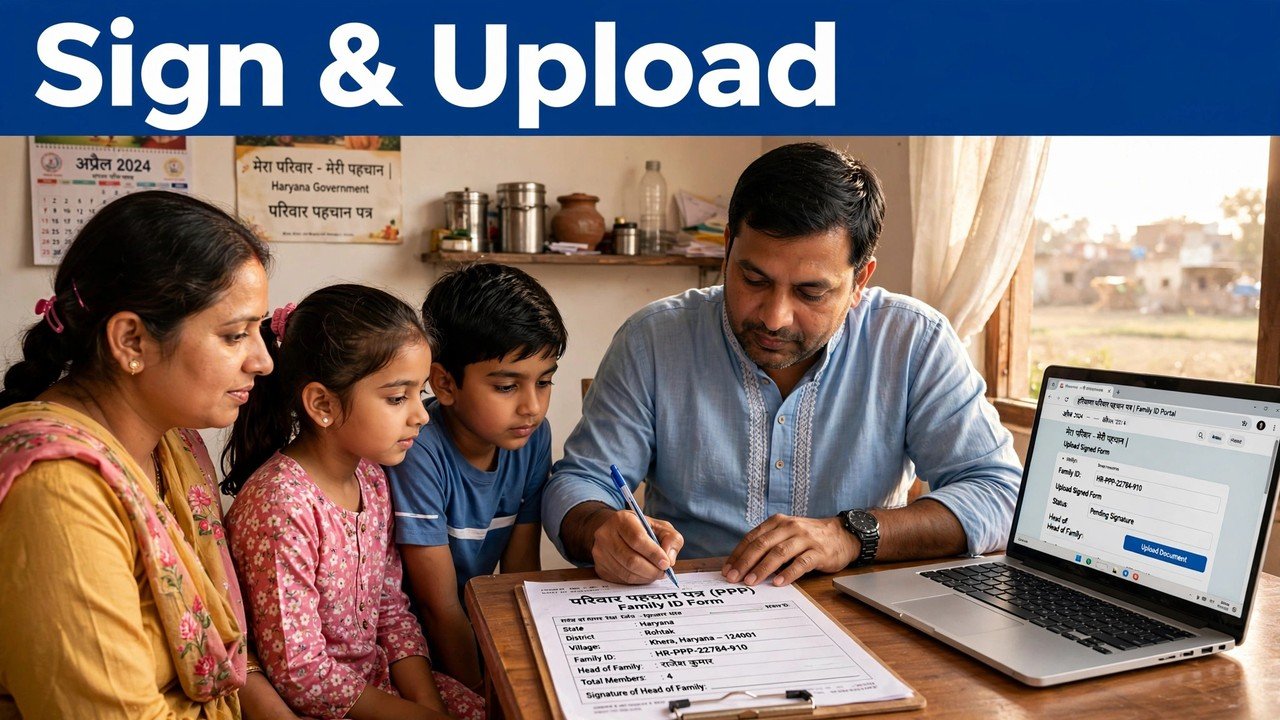
Why Do You Print, Sign and Re-Upload Your Family ID? This Step Explained
Many families finish editing their details on the Mera Parivar portal, then stop at the last screen and wonder why a website is asking them to print a paper form at all. The answer is simple: the print, sign and re-upload step is your family’s signed confirmation of the change. The official PPP FAQ material states it plainly in effect — uploading the signed document is mandatory to complete a PPP updation, and the signature on it is that of a member of the family. Until that signed copy goes back up, the edit you made on screen is not a completed update.
So this is not the portal being old-fashioned. The paper step is the moment an online edit becomes a statement the family itself stands behind.
A Signature, Not a Formality
Think about what an unsigned edit is. Anyone who reached the screen could have typed those words — a typing slip, a well-meaning relative, an operator working quickly. The portal has authenticated the session with an OTP sent to the Head of Family mobile number stored in PPP, but an OTP proves a phone was present, not that the family read and accepted the final contents of the form.
The signature closes that gap. When the printed form comes back bearing a family member’s signature, the record shows two different kinds of proof together: the OTP that opened the session, and a person from the household who saw the changed details in full, on paper, and signed under them. That is why the step sits at the end of an update and not at the beginning — there is nothing to confirm until the final version of the change exists.
What Exactly You Are Confirming When You Sign
Read the printed sheet as a declaration, because that is how the process treats it. By signing and uploading it, the family confirms three things.
First, that the details printed on the form are the details the family wants on record — names, dates and figures as they now stand after the edit, not as they were before it. Second, that a member of the family has actually seen those details; the signature is the evidence of the seeing, which is why signing a blank or unread form defeats the entire purpose. Third, that this round of editing is finished. The official CRID information on PPP adds the important consequence: only a one-time change is allowed once the citizen signs and uploads the PPP document on the portal. The signed upload is the point at which that change is treated as settled.
That last point is the one families most often miss. The sign-and-upload step does not just send the change in — it closes it.
Why an Unsigned Edit Cannot Be Treated as Final
PPP data does not sit in one office file. It is verified field by field through various sources, electronically and through field verification where necessary, and a field whose verification is complete is treated as verified and can no longer be edited in the self-update flow. A database that other departments rely on for pensions, ration and schemes cannot rest on half-finished edits that nobody has confirmed.
The signed upload is what separates a draft from a submission in this system. The PPP operator FAQ material makes the same point from the other side: operator payments for PPP updation work are made only for transactions for which the signed document has been uploaded. In other words, across both the self-update and assisted routes, the signed document is the recognised unit of a finished update. Without it, there is an edit; with it, there is an update.
What Happens If You Skip the Upload
Skipping the step does not save time — it leaves the job in limbo. Because the upload is mandatory to complete the updation, a change that was edited but never signed and uploaded has not been completed, however correct the new details were on screen. Families then describe exactly the symptom covered in the pending-application guide on this site: the matter looks stuck, when in fact the last action belonged to them all along.
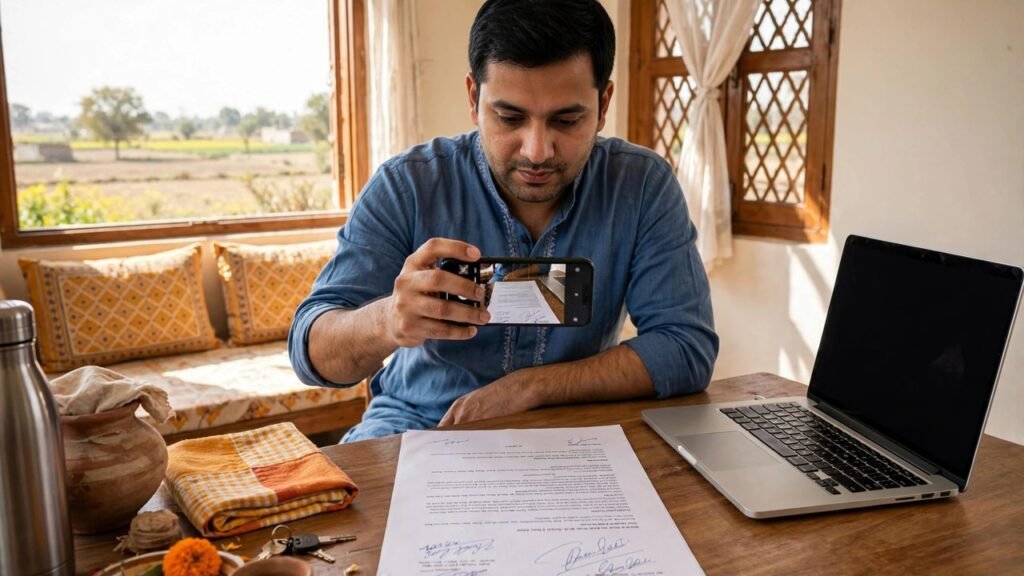
The remedy is not to edit the same fields again. Go back to the unfinished update, print the form it produces, sign it, and upload a clear scan or photograph of the signed copy. Re-editing an already-made change does not substitute for the missing upload, and because only a one-time change is allowed after the signed upload, treat the version you sign as the version you mean.
Before You Sign: A Two-Minute Read-Through
Since the signature settles the change, spend the small effort where it counts — on the printed page, before the pen.
Check the member names and the specific field you changed, in the printed copy rather than from memory of the screen. Make sure the signature is that of a member of the family, as the official FAQ describes, and that it is placed on the form itself, not on a separate blank sheet. When you scan or photograph the signed form for upload, check the image is complete and readable — a cropped or blurred upload asks the reader at the other end to guess, and guessing is what this step exists to prevent. Keep your own copy of the signed form with your household papers; if a question is ever raised about what the family confirmed, that copy is your answer.
If you do not have a printer or scanner at home, the step can still be completed through the assisted route: a CSC, SARAL Kendra or PPP Operator can work on the record on the citizen’s behalf, and help is also available at an Atal Seva Kendra or SARAL Kendra — the signed-document requirement applies there too, because it belongs to the update, not to the device you used.
The correction journeys that end at this screen are covered separately on this site — the income correction guide and the self-update income guide — this article stays on the final step both of them share.
Source: Haryana Parivar Pehchan Authority / Mera Parivar portal, Government of Haryana; Citizen Resource Information Department, Government of Haryana — About Parivar Pehchan Patra; and PPP Operator Registration FAQs on the Mera Parivar Portal.
Conclusion
The print, sign and re-upload step exists because PPP needs more than keystrokes before it changes a family’s official record: it needs the family itself, on paper, confirming that the printed details are the ones they stand behind. That is why the official material makes the signed upload mandatory to complete an updation, why the signature is a family member’s, and why a one-time change is all that follows once it is uploaded. Print the final form, read it like a declaration, sign it, and send a clear copy back up — that short paper round-trip is not a delay in the process; it is the process finishing.
FAQs
1. Who should sign the printed Family ID form before it is uploaded?
A member of the family. The official PPP FAQ material describes the uploaded document as signed by a member of the family, which is the point of the step: the household itself confirms the change, not only the person who typed it.
2. I only want to download or print my Family ID, with no change. Do I still need to sign and upload anything?
The signed upload belongs to the updation flow — it is described as mandatory to complete a PPP updation. Simply viewing or printing your existing Family ID from Print PPP is a different action from editing details, and it is the edit, not the viewing, that the signed confirmation closes.
3. Can I upload a photograph of the signed form taken on my phone?
The signed copy is uploaded as a scanned or photographed copy of the printed form in the portal flow. What matters is that the whole signed form is visible and readable in the image; a partial or blurred photo does not give the confirmation the step is meant to provide.
4. What does the one-time change rule mean for this step?
The official CRID information states that only a one-time change is allowed once the citizen signs and uploads the PPP document on the portal. In practice: check the printed form carefully before signing, because the signed version is treated as the settled change for that round.
5. I edited my details weeks ago but never uploaded the signed form. Has my update gone through?
On the official description, no — uploading the signed document is mandatory to complete the updation, so an edit without it is unfinished. Complete the same update by printing, signing and uploading the form rather than starting a second edit of the same fields.
