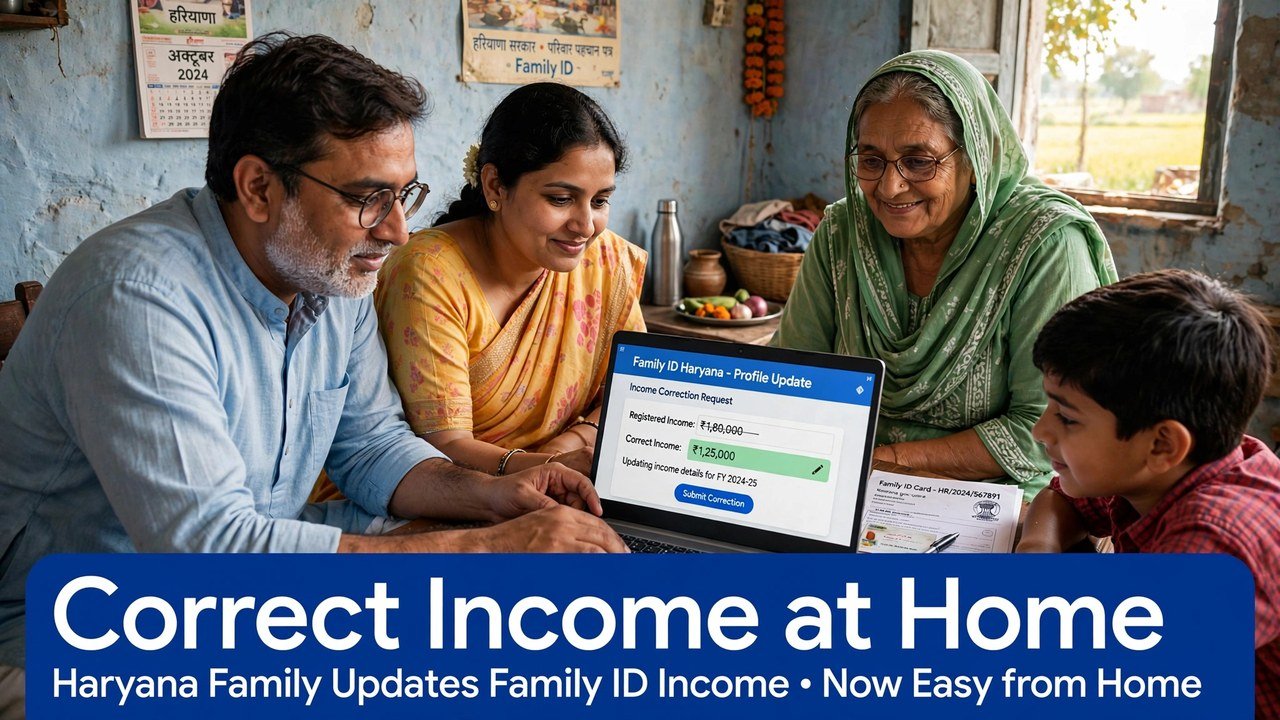
Family ID Self Update: Correct Your Income Yourself on the PPP Portal
You can start a family income correction in PPP Haryana from home, without visiting a CSC, if you have your Family ID and the registered mobile number for OTP. Open the official Mera Parivar portal, open your family record with the OTP, note the income shown, and then use the online route that fits your record: edit through the self-update route only where the field is still editable, and file through Correction or Grievance online where the income has already been verified. Submitting that filing from home generates a ticket ID and a confirmation SMS — that pair is your proof that the case was lodged.
A CSC visit is the assisted alternative in the official system. It is not the first step for a family that can complete OTP validation at home.
Before You Touch Any Button: The Two Things Home Filing Depends On
Home filing stands on two items, and checking them first saves a half-finished session.
The first is the 8-digit Family ID itself. Keep the number written exactly as it appears on your PPP record or card. The grievance route also accepts an Aadhaar ID for validation, under the official guide, but the Family ID is the reference the whole case will carry.
The second is access, at that moment, to the registered mobile number linked to the Head of Family. Both the self-update authentication and the grievance validation work through an OTP sent to that number. If that phone is with another family member in another town, arrange the timing with them before you begin — an OTP session started without the phone in reach usually ends with the form abandoned midway.
Do not ask a neighbour, agent or shopkeeper to receive or relay the OTP on their number. The OTP belongs to the registered number only.
Read Your Record First, Correct Second
Once validated, resist filing immediately. Open the family record and read the income line as it stands today.
Write down three things on paper: the annual income amount shown, whether it is shown as verified or still pending, and the name of the member whose earnings you believe have been read wrongly. Home correction goes wrong most often at this reading stage, when a family files against a remembered figure instead of the stored figure.
This reading also decides your route in the next section. It is the fork in the whole process.
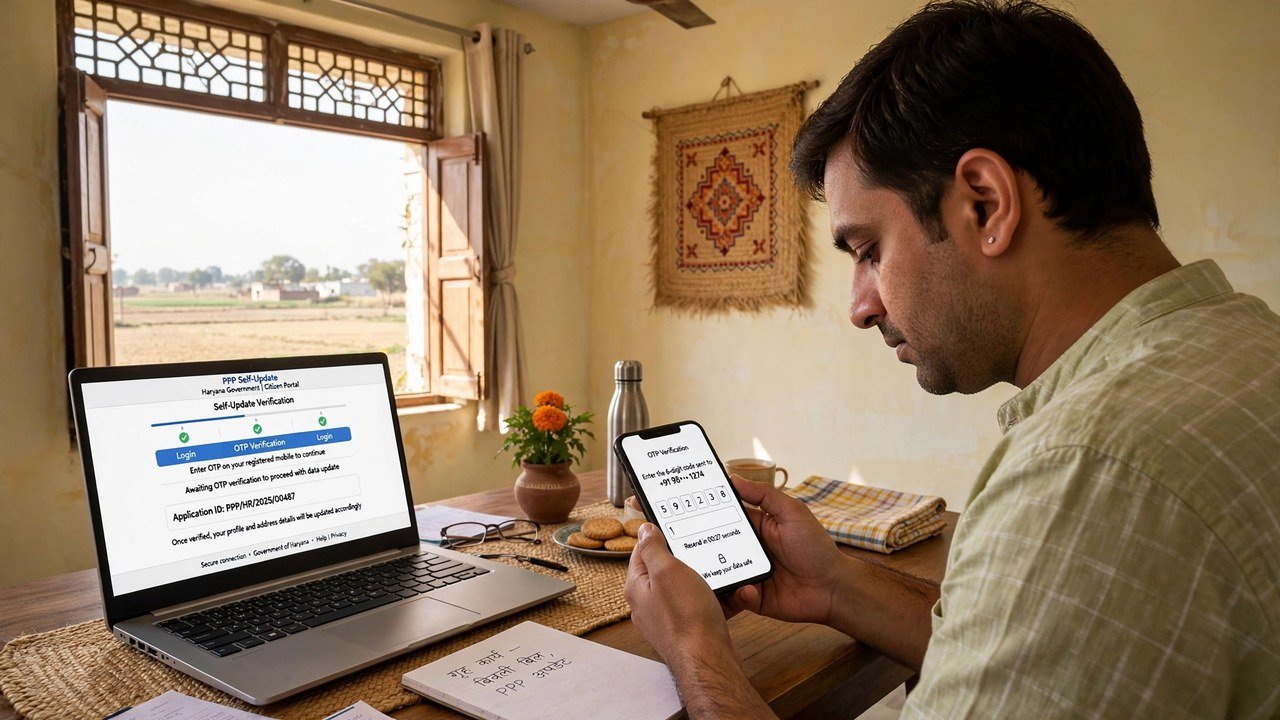
The Fork: Is Your Income Field Still Editable, or Already Verified?
The official citizen information draws a clear line. PPP keeps verifying family data electronically and through field verification where needed. Once verification of a field is completed, that field is treated as Verified and cannot be edited. And only a one-time change is allowed once a citizen signs and uploads the PPP document on the portal.
So the home process splits here:
If the income has not completed verification and the update route allows the change, use the self-update route in that same sitting: make the change carefully, check it once more before saving, and keep a note of what you changed and on what date.
If the income is already marked verified, do not hunt for an edit button that the system has closed. A verified income is contested, not typed over. Move to the Correction or Grievance filing below — which is also done online, from the same home, with no CSC visit needed to lodge it.
Confusing these two routes is why many home attempts feel “blocked”. The form is not broken; a verified field is locked by design, and its door is the contest route.
Filing the Correction or Grievance From Your Own Phone or Computer
The Haryana Government has told the Legislative Assembly that families can contest PPP income verification through the designated online mechanisms, namely Correction and Grievance. The CRID guide sets out the grievance sitting in this order:
- Choose Add/view Grievance on the PPP services route.
- Enter your PPP ID or Aadhaar ID.
- Enter the OTP sent to the registered mobile number, or the Head of Family member’s registered number.
- Confirm that the Head of Family name and registered address shown after validation are your family’s. If they are not, stop — you are looking at the wrong record.
- Select the Name of Service for the scheme your wrong income is affecting.
- Provide the service-wise information: state the income shown in PPP and the income you say is correct, both as annual figures.
- Provide the supportive documents defined for that service, as readable copies from your phone or computer.
- Submit, then save the ticket ID generated and the confirmation SMS with its date, time and tracking ID.
Every one of those eight steps happens on the portal. None of them requires a counter, a token or a CSC operator — the operator route exists for families who cannot complete this sitting themselves.
What Happens to a Case Filed From Home
Filing from home does not put your case in a slower queue. Under the Assembly reply, a challenge is pushed electronically and automatically to the appropriate quarters for online verification. If the income you are challenging was assessed by a Local Committee, the request is pushed to a higher-level Sector Committee with a similar composition.
Follow the case through Add/view Grievance using your ticket ID. The official sources do not state a fixed decision time for an income case, whether it was filed at home or at a centre, so the ticket status is the update to trust — not a date promised in a video or by a person who helped with the phone.
The Three Home Situations Where You Should Stop and Switch to Assisted Help
Doing it without a CSC is the right plan until one of these three appears:
The OTP cannot reach you. If the registered number is lost, changed or no longer with the family, validation cannot be completed from home in that sitting. That mobile problem has to be sorted first, with assisted help.
The record shown after validation is not yours. A wrong head name or address on screen means filing would attach your income case to another record. Stop, note what you saw, and take assisted help rather than submitting.
Your income type does not appear under the service you selected. The guide words income types differently for different schemes. If none of the types describes your case, forcing a submission under a mismatched type weakens it; assisted help at a CSC, SARAL Kendra or through a PPP Operator is the cleaner next step.
Stopping in these cases is not a failed attempt. It protects the one filing you make from being lodged against the wrong record or under the wrong heading.
Source: Mera Parivar / PPP portal official citizen information, Government of Haryana; Haryana Legislative Assembly reply on Parivar Pehchan Patra, Starred Question No. 4 (February 2023); and Citizen Resource Information Department, Government of Haryana — PPP Services Grievance Redressal Help Guide (Version 3.0).
Also read: full guide: income showing high in Family ID — correction online | update Haryana Family ID online
Conclusion
Correcting family income in PPP without visiting a CSC is really two home sittings done in the right order: first a reading sitting, where OTP validation opens your record and you note the exact income and its verified or pending status; then a filing sitting, where you use self-update only if the field is still editable, and the online Correction or Grievance route — ending in a ticket ID and confirmation SMS — if the income is already verified. Families who keep those two sittings separate, and who stop only for an OTP, record or grievance-type block, can lodge a complete income case from their own phone without a centre visit in between.
FAQs
1. Do I need a computer to file from home, or is a phone enough?
A phone is enough for the home route described in the official guide, because the sitting is built around portal screens, OTP validation and uploading the supportive documents for the selected service. Keep readable copies of those documents on the same phone before you start.
2. The portal will not let me change my income figure directly. Has my home attempt failed?
No. Under the official citizen information, a field that has completed verification cannot be edited. That lock is expected. A verified income is challenged through the online Correction or Grievance mechanisms instead, which you can also file from home.
3. I signed and uploaded my PPP document earlier. Can I still change details?
The official information allows only a one-time change once the citizen signs and uploads the PPP document on the portal. Keep that limit in mind before making casual edits, and for a verified income use the contest route rather than spending that change on a field the system will not open.
4. Will filing from home take longer to be decided than filing at a CSC?
The official system moves a challenge electronically for online verification whichever way it was lodged, and a Local Committee-assessed income goes to a Sector Committee. The sources do not give the home route a different or slower timeline; track the ticket status for your case.
5. What should I save before closing the page after submitting from home?
Save the ticket ID generated on submission and the confirmation SMS showing the date, time and tracking ID. Together with your note of the income shown and the income claimed, they are the complete record of your home filing.
