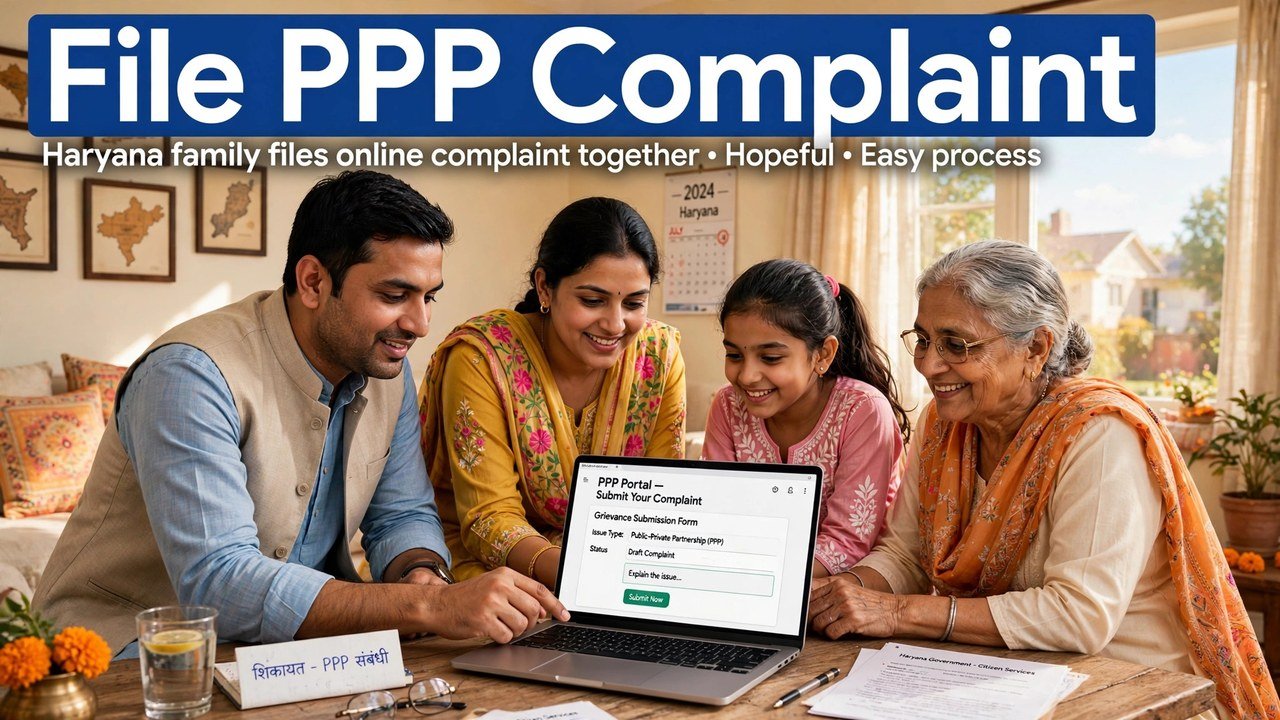
PPP Portal Grievance Feature: How to File a Complaint About Your Family ID Online
You can file a complaint about a PPP-driven service online through the PPP Services Grievance Redressal route: open Add/view Grievance, enter your Family ID (PPP ID) or Aadhaar ID, verify it with the OTP sent to the registered mobile number, choose the service name, fill the service-wise details, attach the supportive documents asked for that service, and submit. A ticket ID is generated when you submit, and an SMS confirms the grievance with its date, time and tracking ID.
That short sequence is the whole core of the system. The sections below explain each part in plain order, so you do not file the wrong type of complaint or miss the tracking ID you will need later.
Which Service Complaints Does the Grievance Guide Cover?
The CRID help guide says the grievance portal is for grievances linked with PPP-driven services. At the time of that guide, citizens could raise grievances for these services:
- Ayushman Bharat
- Divyang Pension
- Old Age Samman Allowance
- Ration Card (PDS)
- Widow Pension
Pick the service that matches your actual problem when you file. A ration-card complaint filed under a pension heading, for example, will not describe your case correctly to the team that receives it.
Grievance Is One of Two Designated Online Routes
The Haryana Legislative Assembly reply on PPP gives grievance a specific place in the system. It states that families can contest the income verification done in PPP through the designated online mechanisms, namely the Correction and Grievance portals, including challenges to exclusions.
In practical terms, that means grievance is not an unofficial workaround. It is one of the named online routes for raising a challenge, alongside Correction. Use Correction when the task is to change a record detail through that module, and use Grievance when you are raising a service-linked complaint or contesting an outcome such as an exclusion, as described in the official reply.
Keep These Ready Before You Start Filing
This filing needs only the items its own steps use — keep these beside you before you begin:
- Your PPP ID or Aadhaar ID, whichever you will enter
- Access to the registered mobile number, or the Head of Family member’s registered number, because the OTP is sent there
- The name of the exact service your complaint is about
- The supportive documents defined for that service, ready to provide in the form
If the OTP mobile is not with you, the verification step cannot be completed in that sitting, so arrange that first.

Filing Walkthrough, in the Guide’s Own Order
- Open the PPP Services Grievance website named in the CRID guide and click Add/view Grievance, which appears on the home page and in the main menu.
- Enter your Parivar Pehchan Patra (PPP) ID or Aadhaar ID.
- Verify the ID with the OTP. The OTP comes on the registered mobile number, or on the Head of Family member’s registered number.
- Once the ID is validated, check the details shown: the Head of Family member’s name and the registered address.
- Select the Name of Service that your grievance is about.
- Provide the necessary information as defined for that service.
- Provide the supportive documents as defined for that service.
- Submit the grievance.
Do not skip the on-screen check in step 4. If the head’s name or address shown after validation is not your family’s, stop and get that record issue addressed through official channels instead of filing against the wrong record.
The Ticket ID Is Your Proof — Keep It Safe
Two things happen right after you submit, according to the guide:
- A ticket ID is generated for future reference, to track your grievance and its status.
- You receive an SMS confirming that the grievance has been logged, with the date, time and its tracking ID.
Save both the ticket ID and that SMS. They are the reference the system itself gives you for following the case later through Add/view Grievance, instead of filing the same complaint again without a reference.
What Happens to an Income or Exclusion Challenge?
For income-verification contests, the Assembly reply describes an electronic routing after filing. Every exclusion challenge is pushed electronically and automatically to the appropriate quarters for online verification.
Where the challenge is to income assessed by a Local Committee, the request is pushed to a higher-level committee called a Sector Committee, which has a similar composition.
The reply does not give a fixed number of days for a decision in the passage relied on for this article, so no deadline is promised here. Keep your ticket ID and check the status through the same Add/view Grievance route.
Mistakes That Make a Grievance Hard to Track
First, filing without noting the ticket ID. The system generates it specifically for tracking, so a complaint without that reference is harder to follow up.
Second, choosing a service name that does not match the problem. The form asks for information and documents service-wise, so the wrong service leads to the wrong set of questions.
Third, treating grievance and correction as the same action. The official reply names them as two designated mechanisms. If your need is a record correction, that route is explained in our income-correction articles on this site; do not repeat the same request in both places without a reason.
Fourth, sharing your OTP with another person. The OTP in this process is meant to validate your own PPP or Aadhaar ID on the registered number.
Source: Citizen Resource Information Department, Government of Haryana — PPP Services Grievance Redressal Help Guide (Version 3.0); and Haryana Legislative Assembly reply on Parivar Pehchan Patra, Starred Question No. 4 (haryanaassembly.gov.in).
Also read: apply for income correction online
Conclusion
Filing a Family ID complaint online comes down to a clean sequence: Add/view Grievance, PPP ID or Aadhaar ID, OTP on the registered mobile, service name, service-wise information and documents, then submit and preserve the ticket ID and SMS confirmation. For income and exclusion challenges, the official Assembly reply confirms grievance as a designated route and describes electronic pushing of the challenge for verification, with Local Committee income cases going to Sector Committees. Filed in that order, with the right service selected, your complaint enters the system with a trackable reference from the first minute.
FAQs
1. Can I file a PPP grievance with my Aadhaar ID instead of my Family ID? Yes. The CRID help guide’s step says to enter your Parivar Pehchan Patra (PPP) ID or Aadhaar ID, and then verify it via OTP.
2. Where does the OTP for a grievance filing come? On the registered mobile number, or on the Head of Family member’s registered number, as stated in the CRID help guide.
3. What will I see after my ID is validated, before I file? The guide says the citizen can see the Head of Family member’s name and the registered address, and then needs to select the Name of Service.
4. How do I prove and track a grievance after submitting it? A ticket ID is generated for future reference to track the grievance and its status, and an SMS is sent confirming the logging of the grievance with its date, time and tracking ID, as per the guide.
5. I want to challenge my verified income or an exclusion. Is grievance the right route? The Haryana Legislative Assembly reply says families can contest income verification in PPP through the designated online mechanisms, namely Correction and Grievance, including challenges to exclusions, and that exclusion challenges are pushed electronically for online verification.
